

Forward attention warning
 OCL4M055151N |
|
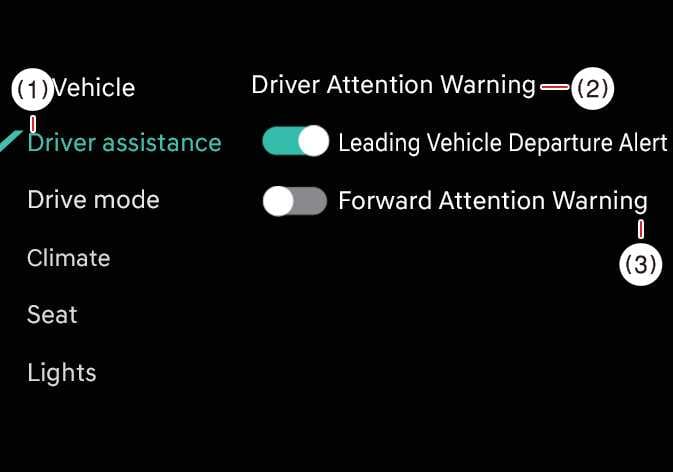
With the vehicle on, select in the infotainment system to set whether to use the function.
-
Forward attention warning: It will warn the driver when the driver’s gaze is not focused on the road.
TIP
-
Forward Attention Warning will always turn on when the vehicle restarts.
-
Forward Attention Warning automatically turns ON when you activate Smart Cruise Control and Lane Following Assist.