

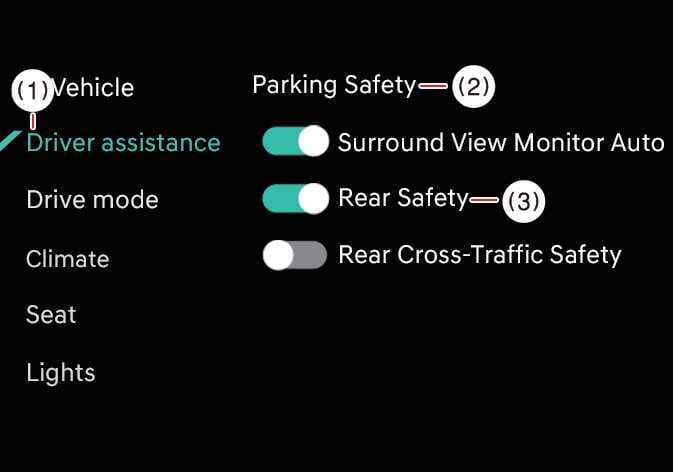
Parking Safety
 OCL4M055136N |
|
While the vehicle is ON, tap on the infotainment system screen.
Backward Safety: This function warns you or assists you with braking when there is a high risk of collision with pedestrians or objects behind your vehicle.
When you restart your vehicle, Backward Safety is selected and Parking Collision-Avoidance Assist settings are retained.
-
Do not use the system when towing another vehicle or when other equipment that affects sensor operation or vehicle balance is installed, as it may not operate properly.
-
Towing a trailer or installing a carrier may reduce control stability. If necessary, disable the function and always drive with caution.
-
Parking Collision-Avoidance Assist may not operate properly when a trailer, carrier, or other equipment is installed, or when towing another vehicle. Do not use the function in these conditions.
-
When connecting a trailer or carrier, set the trailer or carrier menu (if equipped). If the driver manually sets the menu or the trailer or carrier connection is automatically recognized through genuine parts, the functions of the driver assistance system may be limited. Please refer to Driver assistance system limitations and always drive with caution.