Configuring the general settings
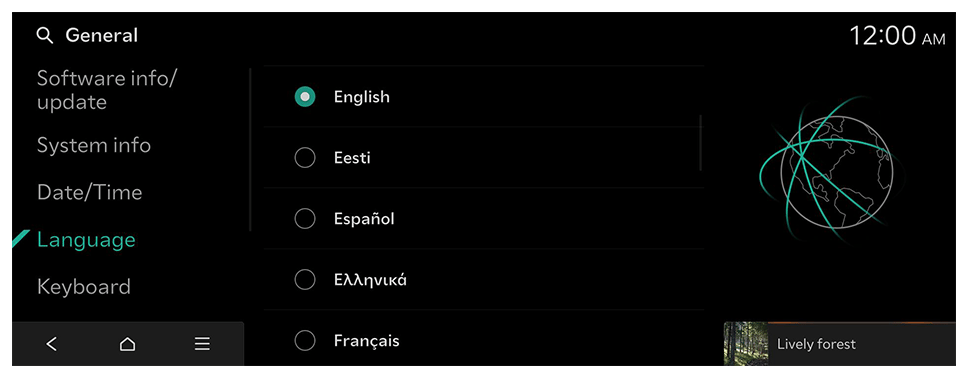
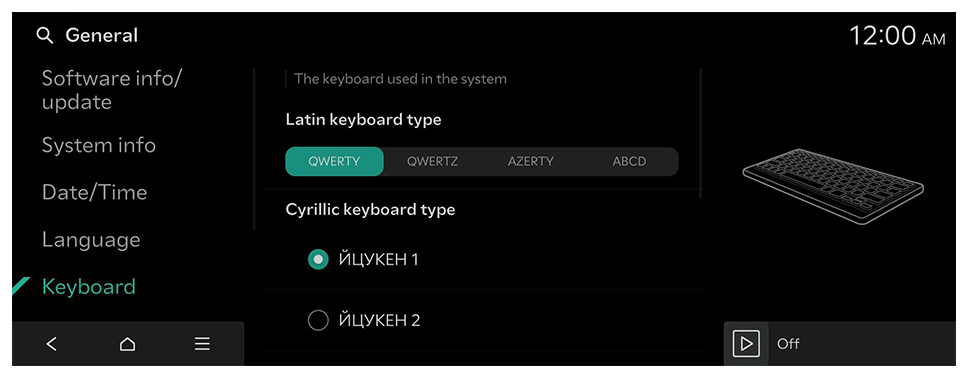
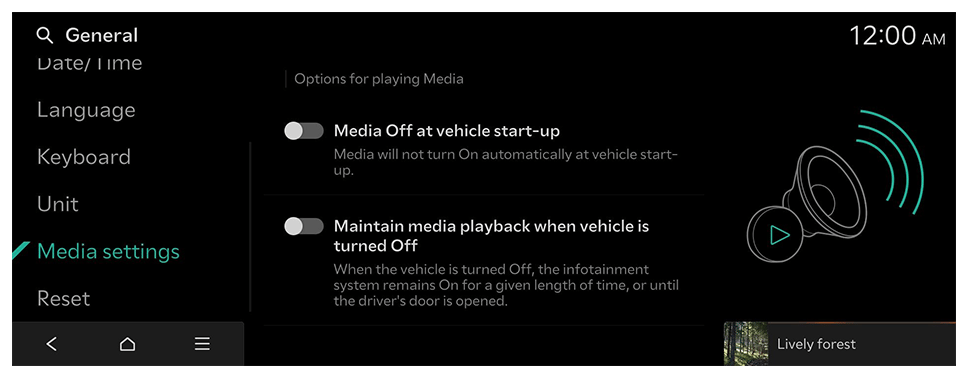
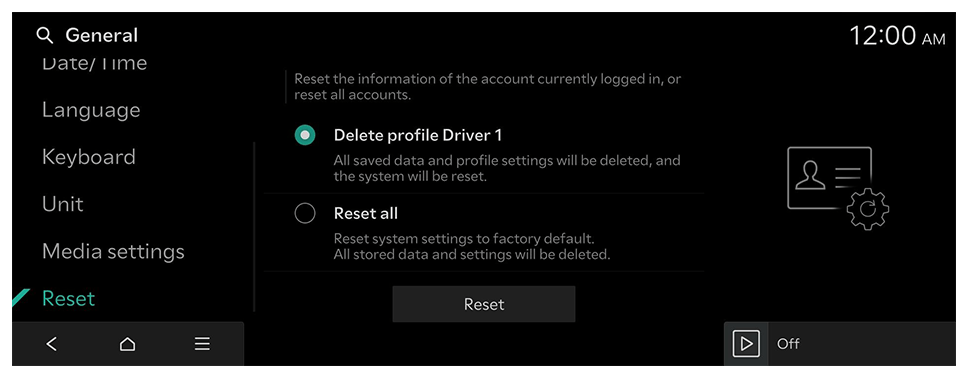
Configure the date, time, language, and other settings. You can also check the system information.
- Available settings may differ depending on the vehicle model and specifications.
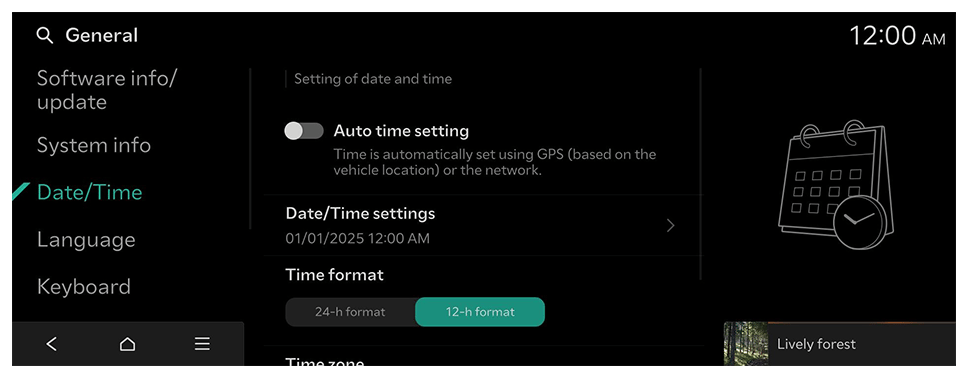
- On the Home screen, press Settings ► General.
The general settings screen appears.
- Configure the settings as required.
- Press
on the screen or press the [SEARCH] button on the control panel, enter a search term, and then select the item to run.
Battery passport information (if equipped)
The battery passport is a digital document that ensures transparency and sustainability across the entire battery life cycle. It tracks the battery's raw material sources, manufacturing processes, environmental impact, and recycling information. Scan the QR code with your phone to view the vehicle's battery passport.