

Rear climate control
From the front seat
-
Press the rear climate control selection (REAR CLIMATE) button.
-
Set the rear fan speed control lever on the infotainment system screen to the desired position.
-
Set the rear temperature control lever on the infotainment system screen to the desired position.
From the rear seat
-
Press the rear climate control selection (REAR CLIMATE) button.
-
Deselect 'Lock Rear Climate Controls', if it is selected.
-
Set the rear fan speed control button on the rear climate control panel to the desired position.
-
Set the rear temperature control button on the rear climate control panel to the desired position.
-
Select the desired rear mode button on the rear climate control panel.
-
To turn off the rear air conditioning system, press the OFF button in the rear climate control panel.
Rear mode selection
-
Front climate control is MAX A/C,
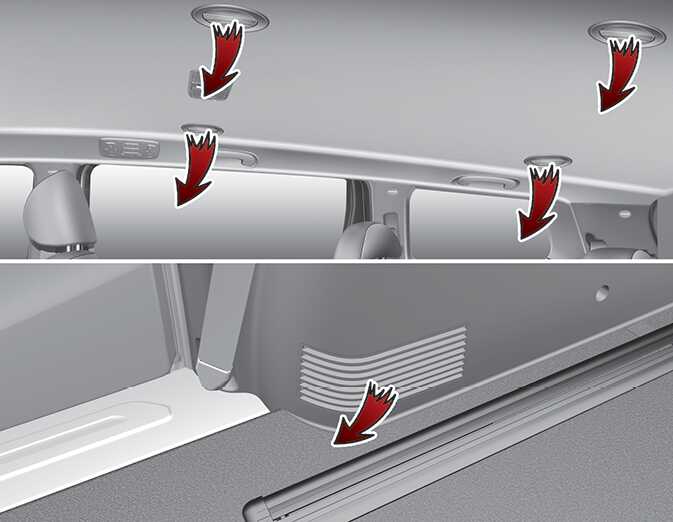
 : Rear air blows from the upper vents on the rear ceiling.
-
Front climate control is
 : Rear air blows from the upper vents on the rear ceiling and the lower vents on the right rear trim together.
-
Front climate control is
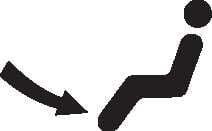 ,
,
 : Rear air blows from the lower vents on the right rear trim.
Press the rear climate control selection (REAR CLIMATE) button. Deselect 'Lock Rear Climate Controls', if it is selected. The rear mode is selected by pushing the rear mode selection button on the rear control panel as follows:
-
 : Rear air blows from the upper vents on the rear ceiling.
-
 : Rear air blows from the upper vents on the rear ceiling and the lower vents on the right rear trim together.
-
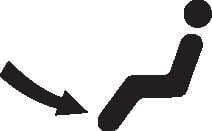 : Rear air blows from the lower vents on the right rear trim.
Rear temperature control
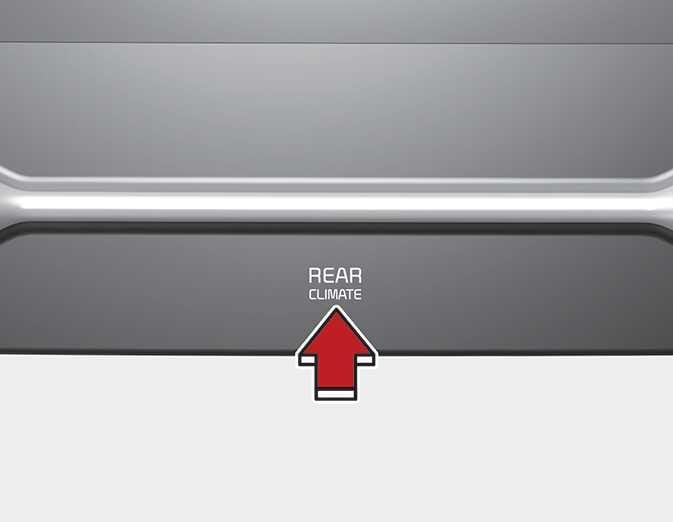
Press the rear climate control selection (REAR CLIMATE) button and press the temperature control switch on the infotainment system screen to the desired position. To change the rear air temperature, press the switch to the upper position for warm and hot air or lower position for cooler air.
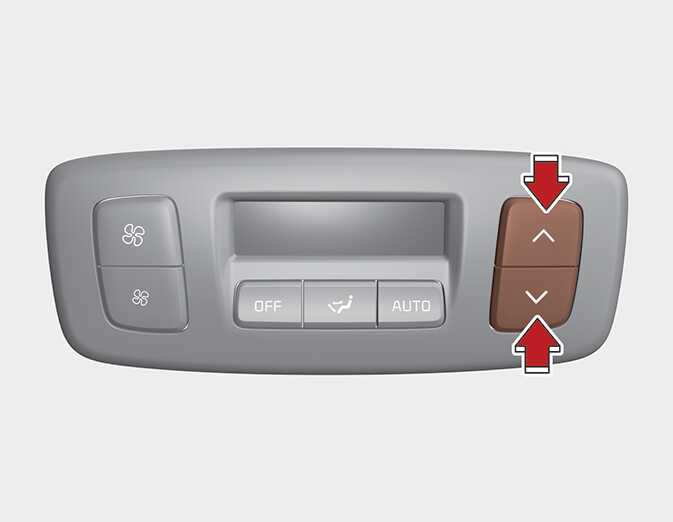
To change the rear air temperature, press the button (
 ) for warmer air or press the button (
 ) for cooler air.
Rear fan speed control
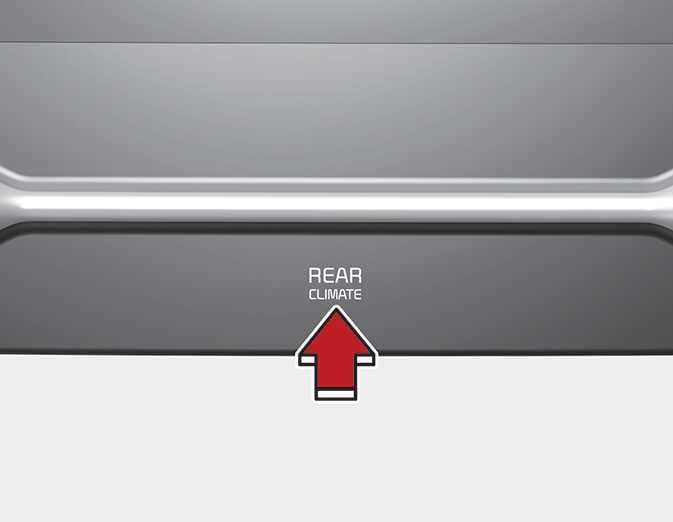
Press the rear climate control selection (REAR CLIMATE) button and press the fan speed control button on the infotainment system screen to the desired position.
To change the rear fan speed, press the left fan speed button for lower speed or right fan speed button for higher speed. Press the OFF button to turn the rear fan speed control off.
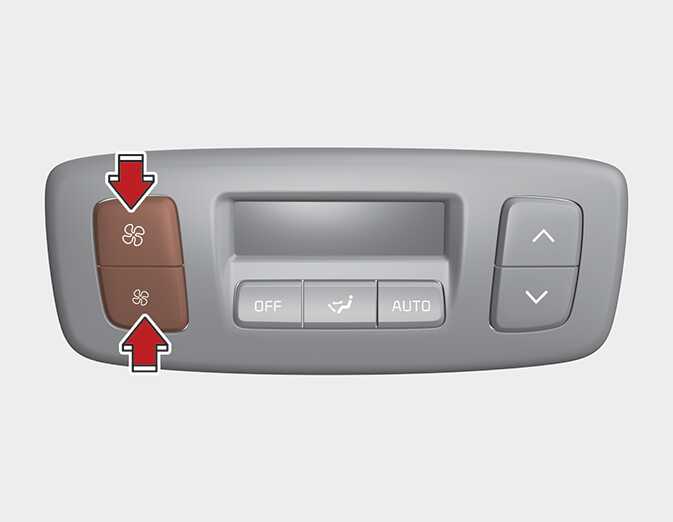
Press the rear fan speed control button on the rear control panel to the desired position.
To turn off the rear air conditioning system press the OFF button in the rear climate control panel.