

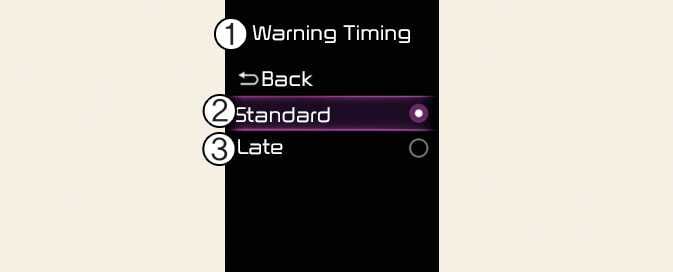
Warning Timing
ONQ5031369L
ONQ5051050N
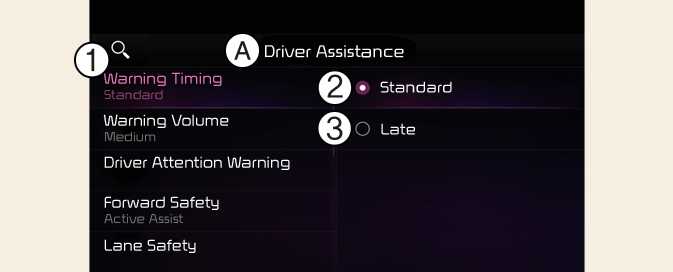
A: Driver Assistance
-
Warning Timing
-
Standard
-
Late
With the vehicle on, select User Settings→ Driver Assistance → Warning Timing from the settings menu in the instrument cluster or select Setup→ Vehicle → Driver Assistance → Warning Timing from the infotainment system to change the initial warning activation time for Forward Collision-Avoidance Assist.
-
Standard: Use in a normal driving environment. If the function operates too sensitively, set to the warning timing to Late.
-
Late: The warning timing will be slow.