
Getting to know the basic operations
You can select an item or adjust the settings by using the number buttons and the [TUNE] knob on the control panel.
Selecting an item
Numbered items
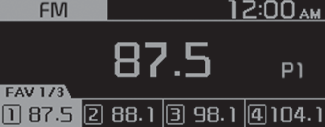
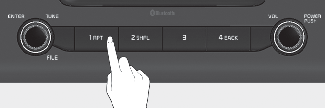
-
Press the corresponding number button.
Numberless items
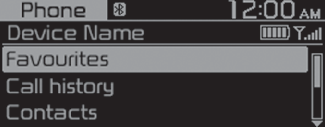
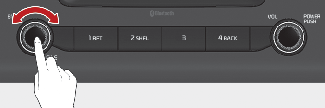
-
Turn the [TUNE] knob to choose the desired item, and then press the knob to select the item.