Head-up display settings
 N_CT25Z088_E |
|
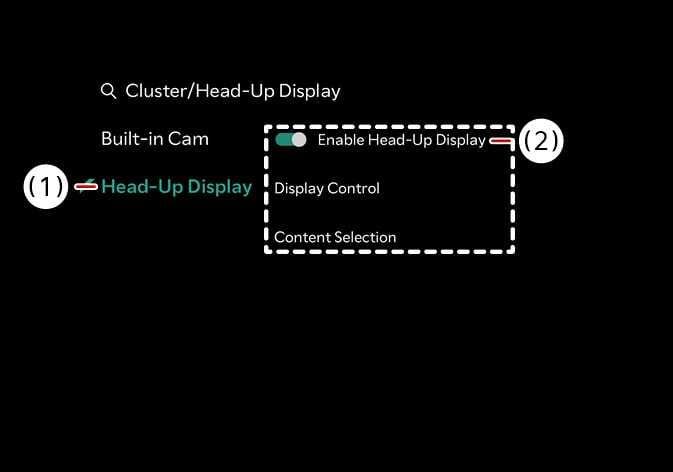
Head-up display can be enabled from the Settings menu in the infotainment system screen.
After turning on the head-up display, you can change the settings of Display Control and Content Selection of the Head-Up Display.