

Applying AUTO HOLD
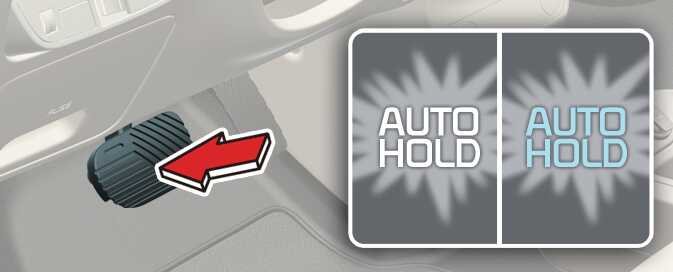
OCV051012L_2
Operation
-
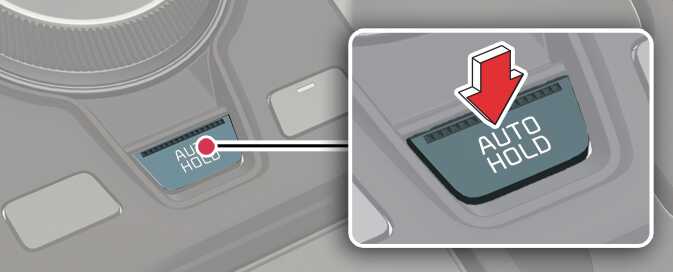
Press the AUTO HOLD button. The AUTO HOLD indicator will light up in white.
-
The AUTO HOLD indicator changes from white to green when the vehicle is stopped.
-
AUTO HOLD will be released automatically when the accelerator pedal is pressed in D, R, or manual mode. The AUTO HOLD indicator will change from green to white.
-
Press the AUTO HOLD button again whilst pressing the brake pedal to cancel the AUTO HOLD operation.
 OCV051013L
Operating condition(s)
-
Brake pedal is depressed after the vehicle has started.
Non-operating condition(s)
-
P (Park) gear position is selected.
-
The EPB is applied.