

Rear view whilst driving
OCV051196L
The driver is able to check the rear view on the screen whilst driving, it is to assist with safe driving.
Operating conditions
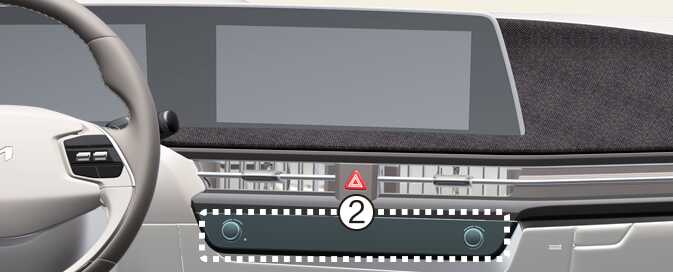
Press the Parking/View button (1) whilst the gear is in D (Drive) or N (Neutral), the driving rear view will appear on the screen.
Off conditions
Rear view whilst driving function will turn off when one the following conditions are satisfied:
-
Pressing the Parking/View button (1) or the infotainment system button (2).
-
Shifting the gear to P (Park).
Function operation
If the vehicle is in R (Reverse) during Rear view driving, the screen will change to rear view with parking guidance.