

Liftgate light: (if equipped)
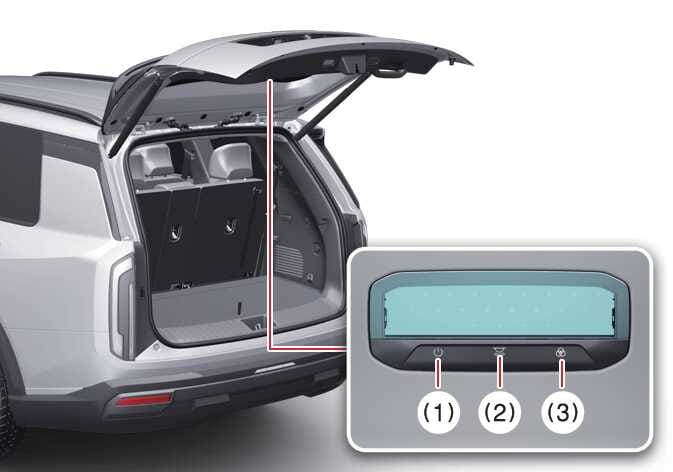
The liftgate light can be used to enhance night time visibility under the liftgate.
 OLQ2AH085013 |
|
-
Press the liftgate light ON/OFF button (1) to turn on or off the liftgate light.
-
Slide the brightness/light temperature slider to adjust the brightness (10-100%) or light temperature (3,000-6,000 K) to the desired value.
-
Press the light temperature button to adjust the light temperature in 3 modes:
-
Warm white: 4,500 K
-
Neutral white: 6,000 K
-
Cool white: 3,000 K
-