

Utility information view
Range guide
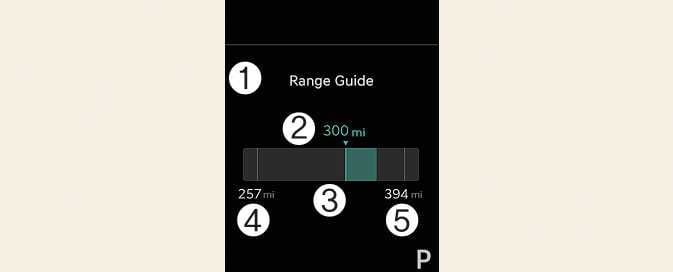
-
Range guide
-
Distance to empty
-
Energy consumption gauge
-
Distance to empty(high energy consumption)
-
Distance to empty(low energy consumption)
The Range guide helps drivers achieve economic driving.
The Distance to empty (2) is determined by analyzing historical driving data and the current battery charge status. The 'estimated distance to empty' is calculated based on the measured energy consumption since the start of this trip and the remaining battery. The energy-saving level for this trip is visually indicated with a green or orange bar (3).
The length of the bar is proportional to the degree of energy-saving.
-
Green: Driving with less energy than usual
-
Orange: Driving with more energy than usual
-
The energy consumption gauge displays bars after calculating the current trip's efficiency and driving a certain distance.
-
This function offers extra data to help drivers achieve energy consumption driving. However, please keep in mind that its effectiveness may differ depending on various traffic conditions and road environments, such as traffic jams, inclines, declines, or curved roads. It is important to always take into account real-time driving conditions, including the distance between your car and the ones in front and behind you as you drive.
Tire pressure
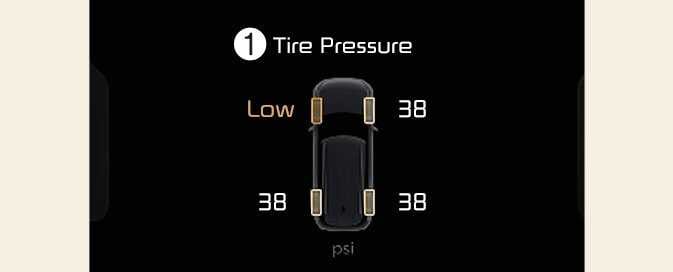
1: Low tire pressure
-
Information related to Tire Pressure.
Refer to Tire Pressure Monitoring System (TPMS).
Current Driving Info
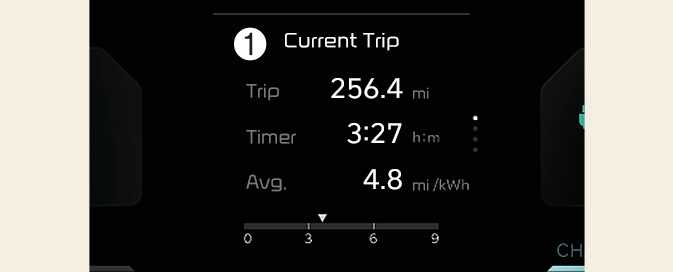
1: Current Driving Info
The driver's door is opened after turning off the vehicle or the vehicle is turned on after 3 minutes have passed, the Drive Info screen will reset.
After Charging
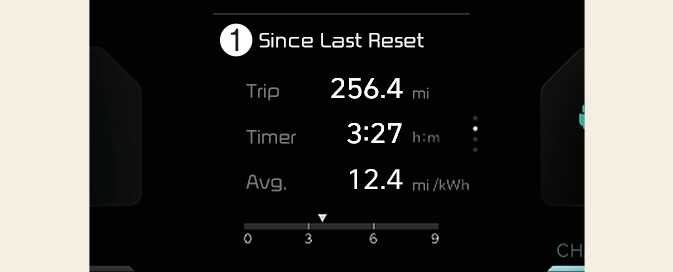
1: After Charging
The information after charging.
To manually reset the information, press and hold the OK button when viewing the After Charging.
Accumulated Info
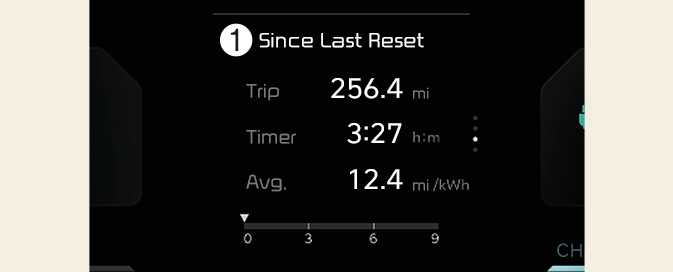
1: Since Last Reset
The information is accumulated starting from the last reset.
To manually reset the information, press and hold the OK button when viewing the Since Last Reset.
-
The vehicle must be driven for a minimum of 0.19 miles (300 meters) since the last cycle before the accumulated driving information is recalculated.
-
The average energy economy is not displayed for more accurate calculation if the vehicle is not drive more than 10 seconds or 0.03 miles (50 meters) since the EV button was turned to ON.
Energy flow
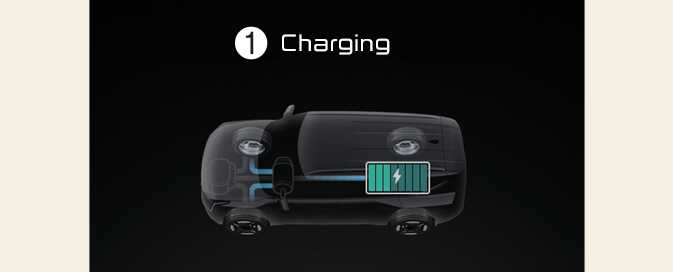
1: Charging
-
The electric vehicle system informs the driver of its energy flow in various operating modes.
Master warning mode
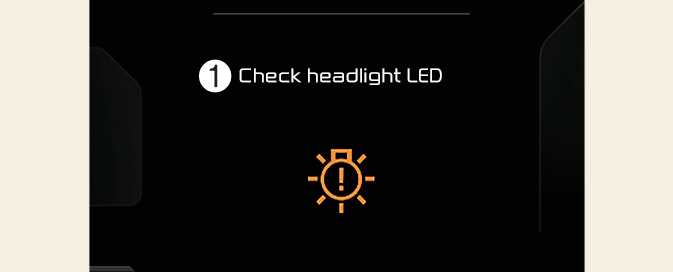
1: Check headlamp LED

This mode informs you of the following situations:
-
Driver assistance system malfunction, limitation or radar/camera blockage
-
LED headlamp malfunction
-
Lamp malfunction
-
TPMS failure, low tire pressure, etc.
A Master Warning icon (
 )will appear in the lower right corner on the LCD display. If the warning situation is resolved, the master warning light will be turned off and the Master Warning icon will disappear.