Controlling heating and air conditioning automatically
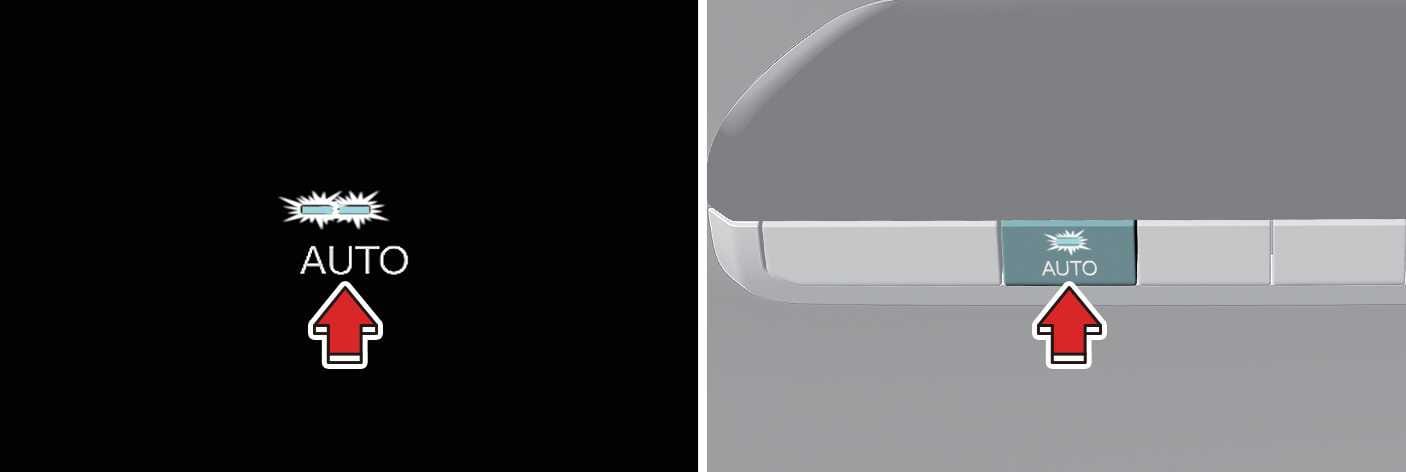
OMV053256L_2
Operation
-
Set the desired temperature.
-
Press the AUTO button to control:
-
Mode
-
Fan speed
-
Air intake
-
Air conditioning
-
Set the temperature with the temperature control button.
-
Press the Rear AUTO (automatic control) button to activate the automatic control function. The button indicator light will turn on.
Level
Indicator
LCD Display
Air flow
High
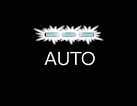
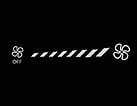
1~8 (EU)
2~8
Medium
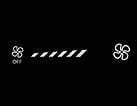
1~6
Low

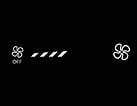
1~4
-