

Service Interval
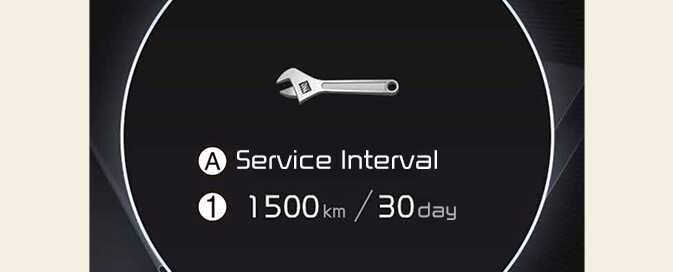
A: Service Interval
-
Service interval schedule
It calculates and displays when you need a scheduled maintenance service (mileage or days).
To reset the service interval, select Settings → Vehicle → Cluster → Service Interval → Reset.
-
If the remaining mileage or time reaches 1,500 km (900 miles) or 30 days, the message Service in is displayed for several seconds each time you set the vehicle to the ON position.
-
If you do not have your vehicle serviced according to the already inputted service interval, Service required message is displayed for several seconds each time you set the vehicle to the ON position.
-
If any of the following conditions occurs, the mileage and days may be incorrect.
-
The battery cable is disconnected.
-
The battery is discharged.
-