

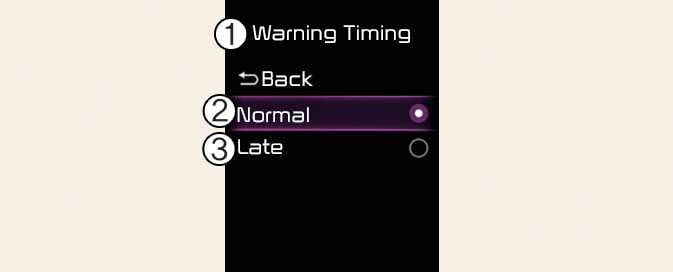
Warning timing
ONQ5032369L3
ONQ5052050L3
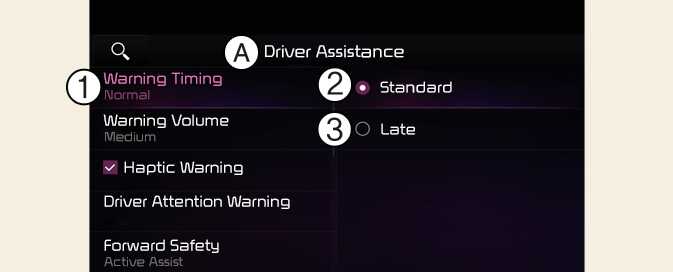
A: Driver assistance
-
Warning timing
-
Normal
-
Late
With the vehicle on, select Driver assistance → Warning timing from the Settings menu to change the initial warning activation time for Driver Attention Warning.
-
Normal: Use in a normal driving environment. If Driver Attention Warning operates too sensitive, set the warning timing to Late.
-
Late: The warning timing will be late
NOTE
If you change the Warning Timing, the warning time of other Driver Assistance systems may change. If the vehicle is restarted, Driver Warning Time will maintain the last setting.