Parking/View button
 ONQ5055197R |
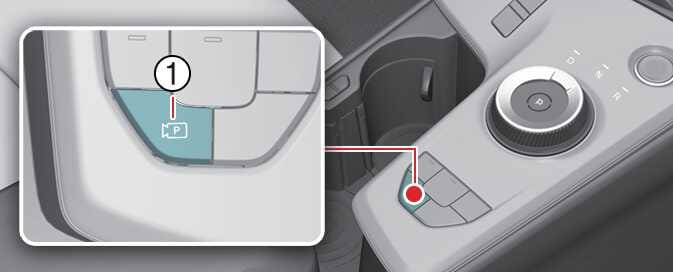
Press the Parking/View button (1) to turn on Surround View Monitor.
Press the button again to turn off the function.


|
ONQ5055197R |
Press the Parking/View button (1) to turn on Surround View Monitor.
Press the button again to turn off the function.