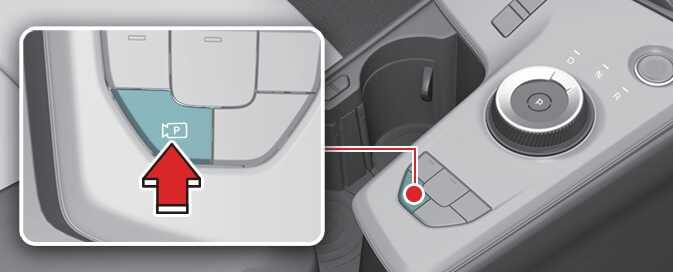
Parking/View button

Parking/View button

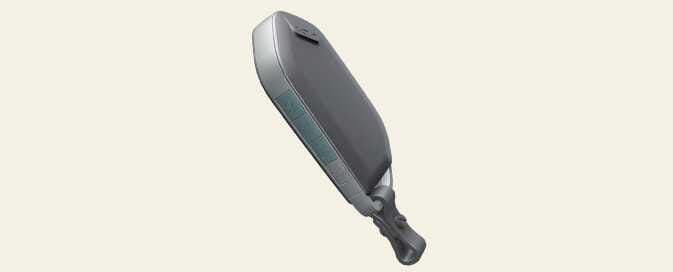
Smart key

ONQ5055200R
OMQ4053059

Location

Name

Symbol

Description

Inside vehicle

Parking/View button

  • Press and hold the Parking/View button to turn on Remote Smart Parking Assist. Also, Forward/Reverse Parking Distance warning will automatically turn on.

Smart key

Remote Start button

  • Press the Remote Start button after the door is locked with the vehicle off to start the vehicle remotely.

  • Press the Remote Start button whilst Remote Operation function is operating to end function operation.

Forward button

  • When using the Remote Operation function, the vehicle moves in the direction of the button whilst the button is pressed.

Backward button