

Controlling fan speed
 N_QVe27_C08_024_E |
 N_QVe27_C08_025_E |
-
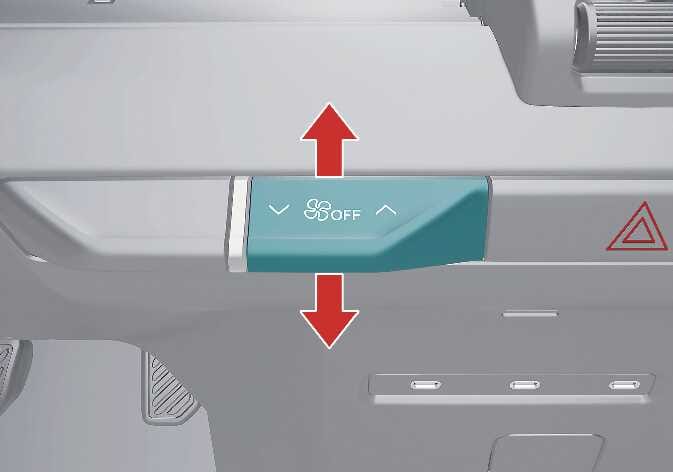
Use the fan speed control icon/lever to set the desired fan speed.
-
To change the fan speed, press the right icon to increase the speed or the left icon to decrease the speed.
Also, press the fan speed control lever up to increase the speed or down to decrease the speed.
-
To turn the fan speed control off, press and hold the left icon.
Also, press and hold down the fan speed control lever.