

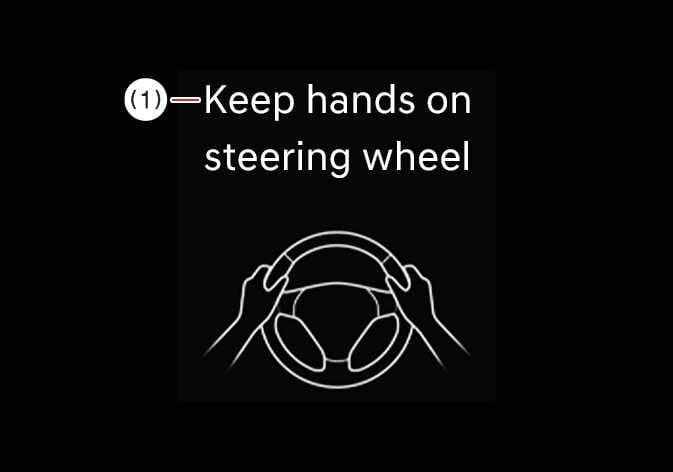
Hands-off warning
 OCL4M055099N |
|
If you take your hands off the steering wheel for several seconds, a warning message appears on the instrument cluster, and an audible warning sounds in stages.
The Hands-off warning is canceled when the driver grips the steering wheel.
-
Steering assistance may not activate if you hold the steering wheel very tight or steer over a certain degree.
-
Lane Keeping Assist does not operate at all times. It is your responsibility to safely steer the vehicle and maintain the vehicle in its lane.
-
The hands-off warning message may appear late, depending on road conditions. Always keep your hands on the steering wheel while driving.
-
If you wear gloves or hold the steering wheel very lightly, the hands-off warning message may appear because Lane Keeping Assist may not recognize that you have your hands on the steering wheel.
-
If you attach objects to the steering wheel, the hands-off warning may not work properly.
-
When the in-cabin camera determines that the driver is in an abnormal condition, Lane Keeping Assist may operate at an earlier stage.: (if equipped)
-
When equipped with Front Radar, Rear Corner Radar, an in-cabin camera, and Hands-On Detection (HOD), the steering wheel may feel noticeably heavier for safety reasons in the following situations:
-
The driver is inattentive, such as not looking forward or toward the lane departure direction, or when a hands-off warning is issued.
-
A vehicle is approaching in the same direction in the lane toward which the vehicle is departing.
-
An oncoming vehicle is approaching in the opposite direction in the lane toward which the vehicle is departing (beyond the center line).
-
-
Even when the steering is assisted by Lane Keeping Assist, you may still control the steering wheel.
-
The steering wheel may feel heavier or lighter than usual when the steering wheel is being assisted by Lane Keeping Assist.
-
If you select Highway Lane Change Assist, the green lane appears on the instrument cluster (if equipped).
Figure 1. Lane undetected 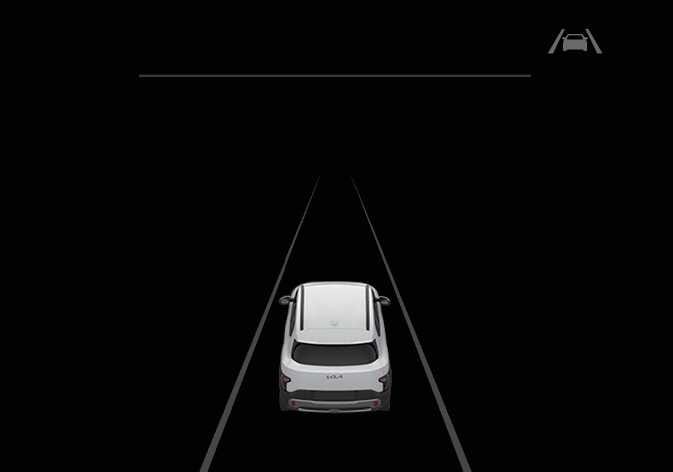 N_QVe27_C00_049_E
Figure 2. Lane detected 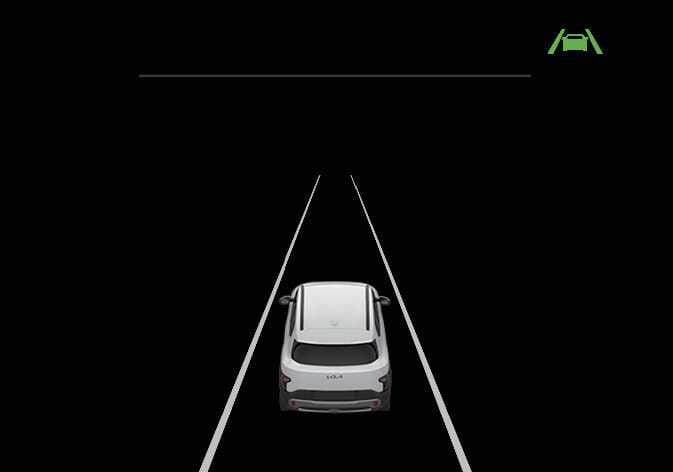 N_QVe27_C00_050_E
 -
The images or colors may display differently depending on the specifications of the instrument cluster or theme.
-
When Highway Lane Change Assist is selected, the lane lines on the cluster may be displayed in green.
-
For more information about the instrument cluster, refer to Forward Collision-avoidance Assist (FCA) (Sensor Fusion).