

Warning Timing
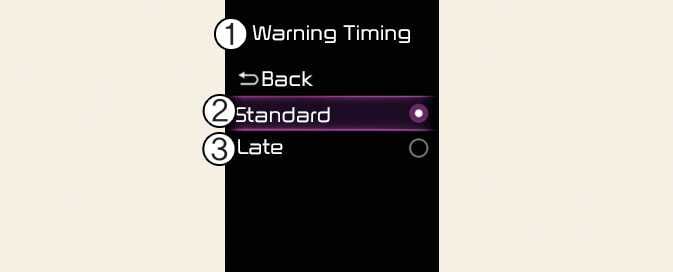
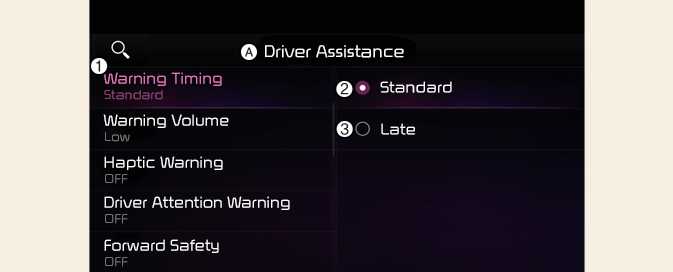
A: Driver Assistance
-
Warning Timing
-
Standard
-
Late
With the vehicle on, select Settings → Driver Assistance → Driver Assistance → Warning Timing from the User Settings menu or select Settings → Vehicle → Driver Assistance → Driver Assistance → Warning Timing from the infotainment system to change the initial warning activation time for Rear Cross-Traffic Collision-Avoidance Assist.
When the vehicle is first delivered, Warning Timing is set to Standard. If you change the Warning Timing, the warning time of other Driver Assistance systems may change.
-
Even though Standard is selected for Warning Timing, if the vehicles from the blind spot area approaches at high speed, the initial warning activation time may seem late.
-
Select Late for Warning Timing when traffic is light and when driving speed is slow.