
Navigation-based Smart Cruise Control settings
Highway Auto Speed Change
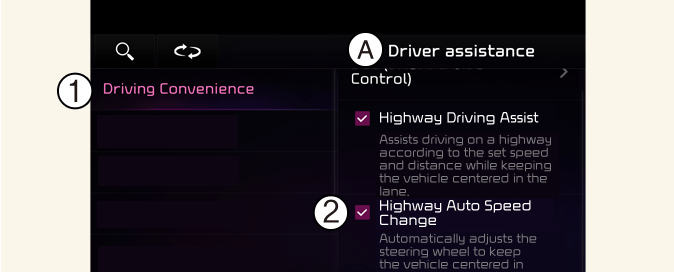
A: Driver Assistance
-
Driving Convenience
-
Highway Auto Speed Change
With the vehicle on, touch Settings → Vehicle → Driver Assistance → Driving convenience → Highway Auto Speed Change on the infotainment system.

NOTICE
When there is a problem with Navigation-based Smart Cruise Control, the function cannot be set from the Settings menu.
NOTICE
The infotainment system may change after software updates. For more information, refer to the user's manual provided in the infotainment system and the quick reference guide.