

Controlling fan speed
 OCL4M035306N |
-
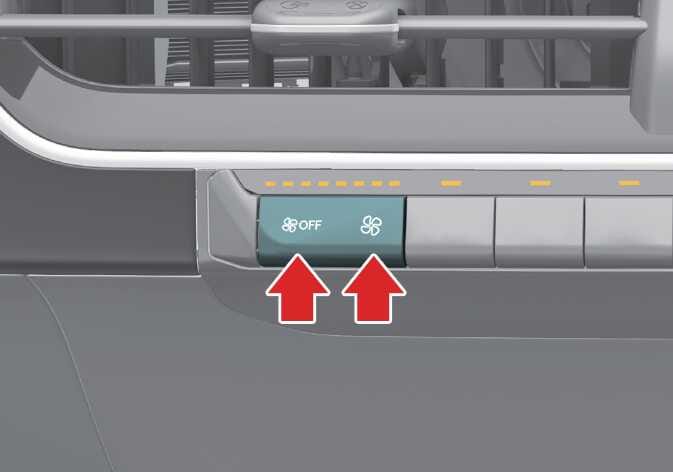
Use the fan speed control lever to set the desired fan speed.
-
To change the fan speed, push the temperature control lever right to increase the fan speed or left to decrease the fan speed.
-
To turn the fan speed control OFF, press down left side of the fan speed control button several times or keep pressing it down.