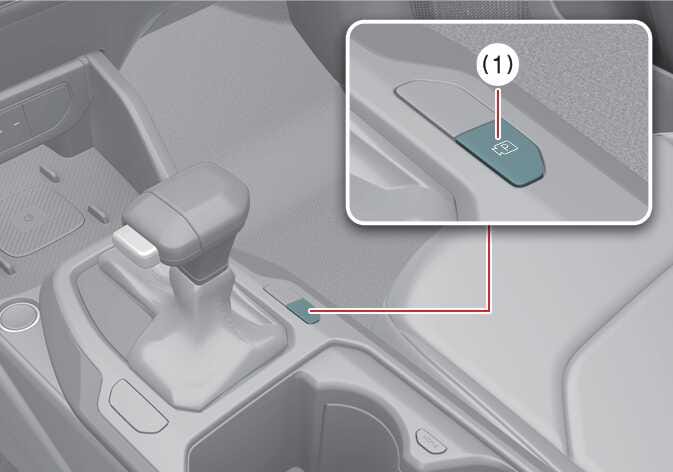
Parking/View button
 OCL4M055004N |
|
To turn Surround View Monitor ON, press the Parking/View button (1).
Press the button again to turn Surround View Monitor OFF.


|
OCL4M055004N |
|
To turn Surround View Monitor ON, press the Parking/View button (1).
Press the button again to turn Surround View Monitor OFF.