

Warning Methods
 OCL4M055118N |
|
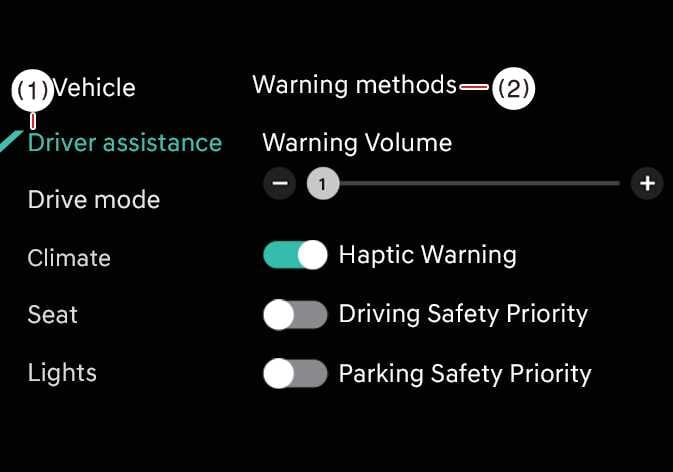
To change the Warning Methods settings while the vehicle is ON, tap on the infotainment system screen. You can change the following settings:
-
Warning Volume: Adjusts the volume of the warning sound. If you turn OFF the Warning Volume setting, the function may still warn you at a low volume for your safety.
-
Haptic Warning: Turns ON the steering wheel vibration warning.
-
Your Warning Methods settings may apply to the Warning Methods of other driver assistance systems.
-
Warning Methods maintain their last settings when you turn OFF and restart the vehicle.
-
The Warning Methods setting menu may not be available on all vehicles.
-
The Warning Volume and Haptic Warning cannot be turned OFF at the same time. When you turn OFF one warning, the other turns ON.