

Trip information (trip computer) (For Type C cluster)
The trip computer is a microcomputer- controlled driver information system that displays information related to driving.
Some driving information stored in the trip computer resets if the battery is disconnected.
Trip Modes
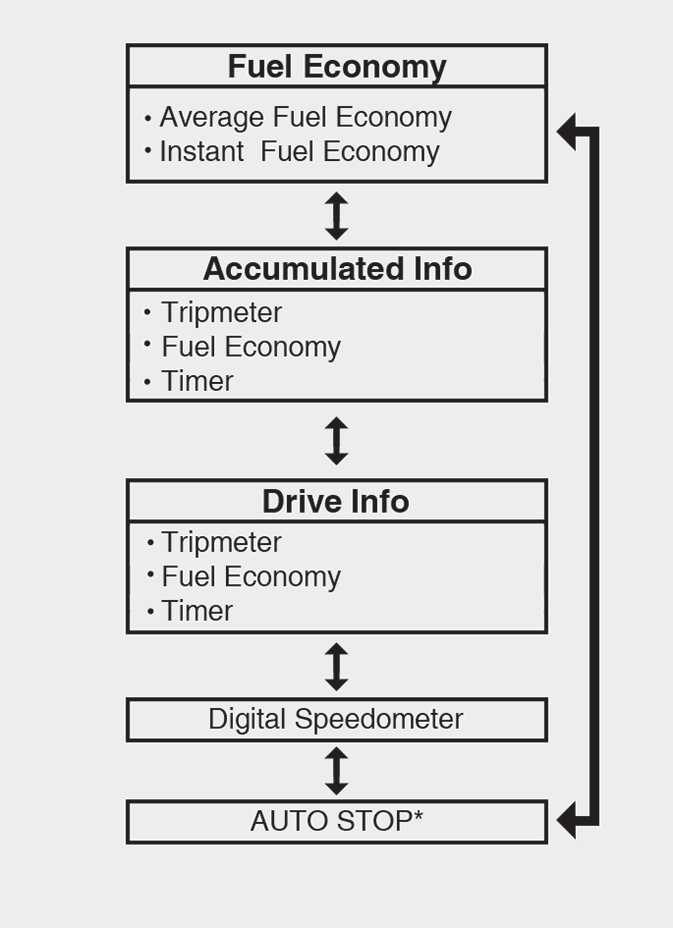
To change the trip mode, scroll the toggle the switch (
 /
/
 ) on the steering wheel.
: if equipped
Fuel economy
-
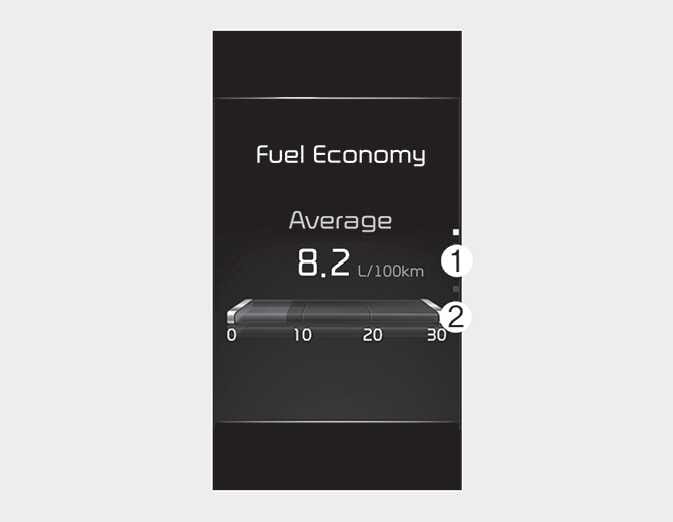
The average fuel economy is calculated by the total driving distance and fuel consumption since the last average fuel economy reset.
-
Fuel economy range: 0.0 ~ 99.9 L/100km, km/L or MPG
-
-
The average fuel economy can be reset both manually and automatically.
-
Manual reset
To clear the average fuel economy manually, press the OK button on the steering wheel for more than 1 second when the average fuel economy is displayed.
-
Automatic reset
To make the average fuel economy be reset automatically whenever refueling, select the "Fuel Econ. Reset" mode in User Setting menu of the LCD display (Refer to LCD display modes (for Type C cluster)).
- Off : You may set to default manually by using the trip switch reset button.
- After Vehicle On: The vehicle will automatically set to default once 4 hours pass after the Ignition is in OFF.
- After refueling: After refueling more than 6 liters and driving over 1 km/h, the vehicle will reset to default automatically.
The average fuel economy is not displayed for more accurate calculation if the vehicle does not drive more than 10 seconds or 300 meters (0.2 miles) since the ignition switch or ENGINE START/STOP button is turned to ON.
-
This mode displays the instant fuel economy during the last few seconds when the vehicle speed is more than 8 km/h (5 mph).
-
Fuel economy range:
0 ~ 30 L/100km, km/L or 0 ~ 50 MPG
-
Accumulated driving information mode
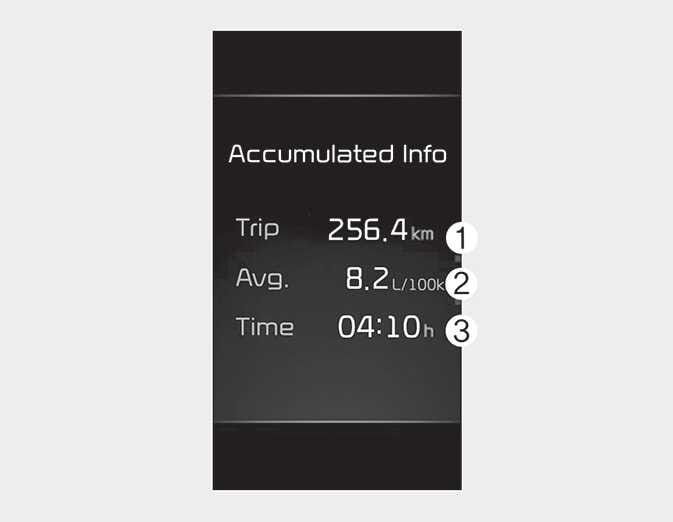
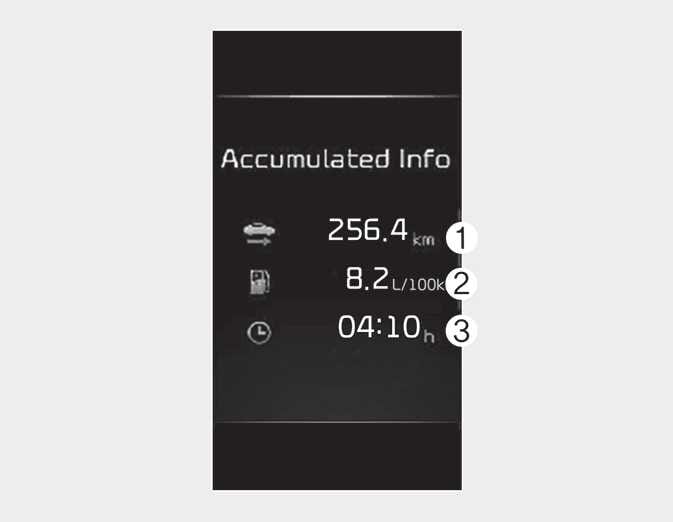
This display shows the accumulated trip distance (1), the average fuel efficiency (2), and the total driving time (3).
-
Accumulated information is calculated after the vehicle has run for more than 300 meters (0.2 miles).
-
If you press "OK" button for more than 1 second after the Cumulative Information is displayed, the information will be reset.
-
If the engine is running, even when the vehicle is not in motion, the information will be accumulated.
Drive Info display
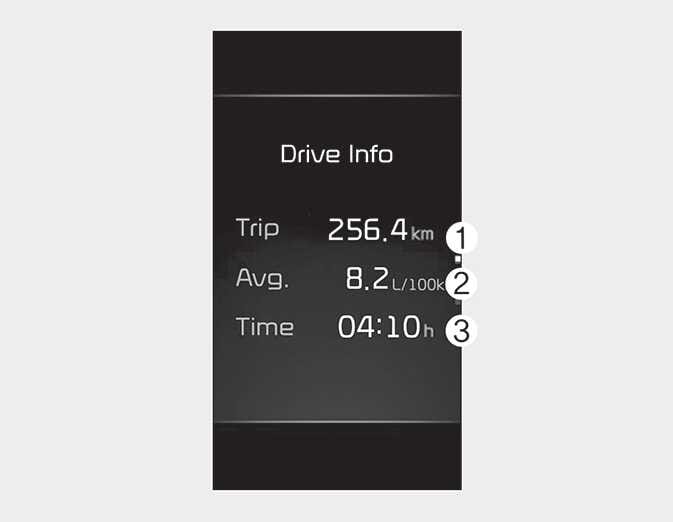
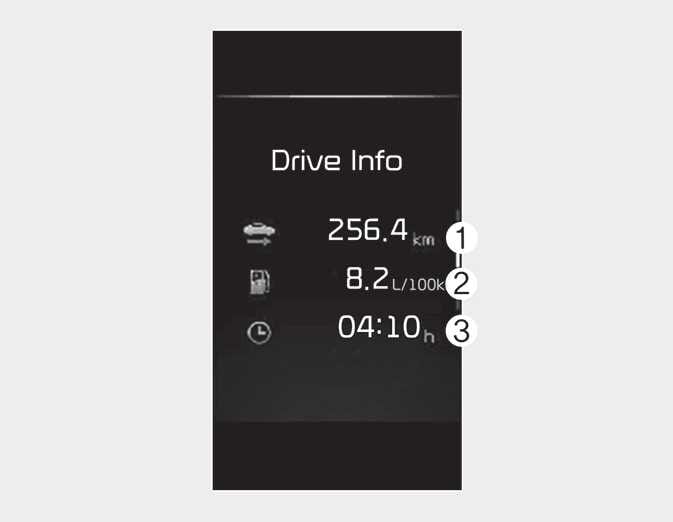
This display shows the trip distance (1), the average fuel efficiency (2), and the total driving time (3) information once per one ignition cycle.
-
Fuel efficiency is calculated after the vehicle has run for more than 300 meters (0.2 miles).
-
The Driving Information will be reset 4 hours after ignition has been turned off. So, when the vehicle ignition is turned on within 4 hours, the information will not be reset.
-
If you press "OK" button for more than 1 second after the Driving Information is displayed, the information will be reset.
-
If the engine is running, even when the vehicle is not in motion, the information will be accumulated.
Digital speedometer
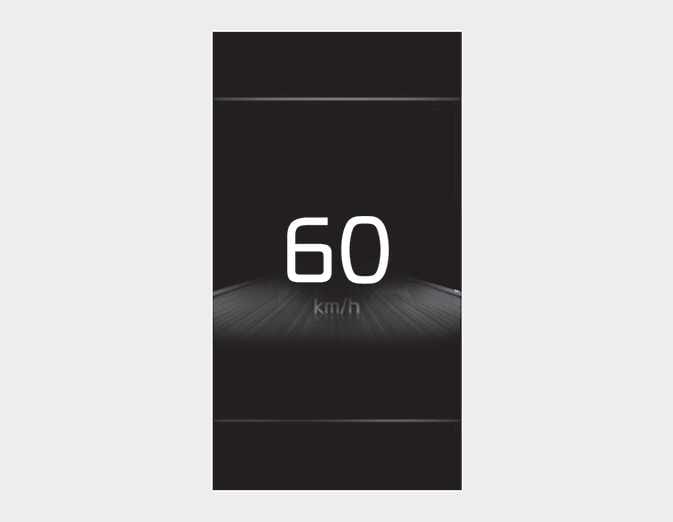
This digital speedometer display shows the speed of the vehicle.
Auto stop time: (if equipped)
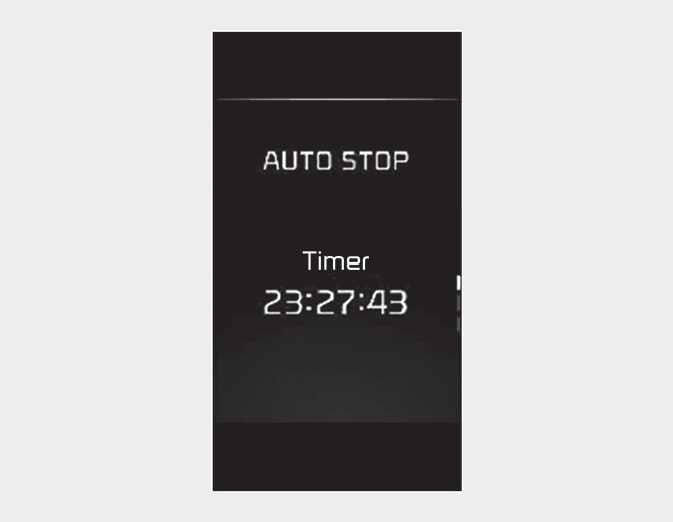
This mode displays the elapsed time of Auto stop by "Idle stop and go system".For more details, refer to ISG (Idle Stop and Go) system.