

Warning Volume
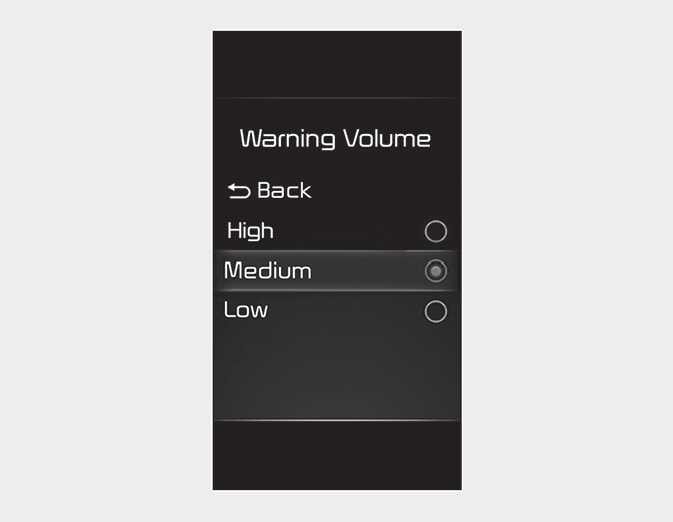
With the ignition switch or ENGINESTART/STOP button in the ON position, select ‘Driver Assistance → Warning Volume’ from the Settings menu to change the Warning Volume to ‘High’, ‘Medium’, ‘Low’ for Rear Cross- Traffic Safety system.
If you change the Warning Volume, the Warning Volume of other Driver Assistance systems may change.
-
The setting of the Warning Timing and Warning Volume applies to all functions of the Rear Cross-Traffic Safety.
-
Even though ‘Normal’ is selected for Warning Timing, if the vehicles from the left and right side approaches at high speed, the initial warning activation time may seem late.
-
Select ‘Late’ for Warning Timing when traffic is light and when driving speed is slow.
If the engine is restarted, Warning Timing and Warning Volume will maintain the last setting.