

Lane safety
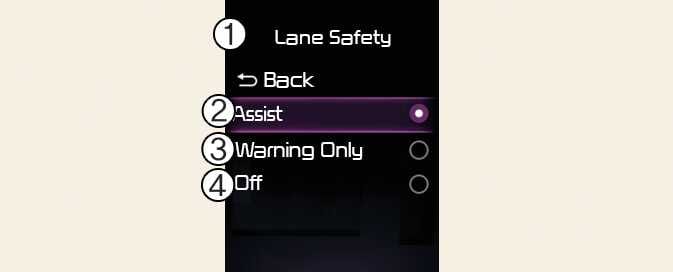
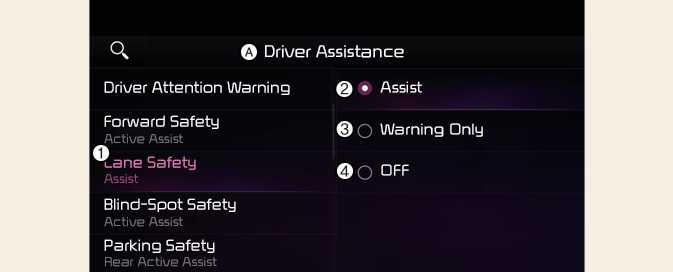
A: Driver assistance
-
Lane safety
-
Assist
-
Warning only
-
Off
With the vehicle on, select or deselect Driver assistance → Lane safety from the Settings menu to set whether or not to use each function.
-
Assist: Lane Keeping Assist will automatically assist the driver's steering when lane departure is detected to help prevent the vehicle from moving out of its lane.
-
Warning only: Lane Keeping Assist will warn the driver with an audible warning and steering wheel vibration (if equipped) when lane departure is detected. The driver must steer the vehicle.
-
Off: Lane Keeping Assist will turn off. The indicator (
 ) light will turn off on the cluster.
-
If Warning only is selected, steering is not assisted.
-
Lane Keeping Assist does not control the steering wheel when the vehicle is driven in the middle of the lane.
-
The driver should always be aware of the surroundings and steer the vehicle if Off is selected.