

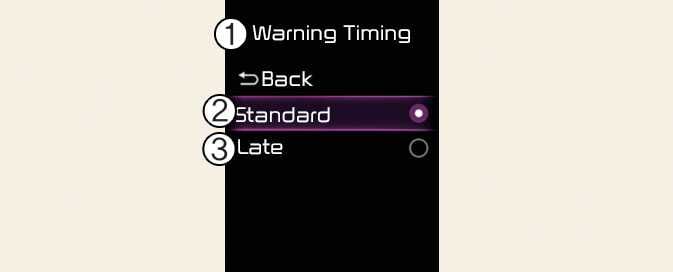
Warning Timing
ONQ5031369L3
ONQ5051050N3
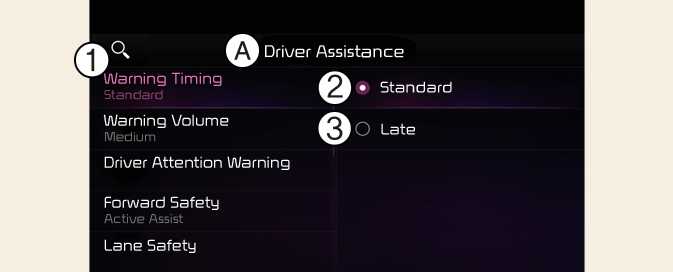
A: Driver Assistance
-
Warning Timing
-
Standard
-
Late
With the vehicle on, select Setup → Driver Assistance → Driver Assistance → Warning Timing from the User Settings menu or select Setup → Vehicle → Driver Assistance → Driver Assistance → Warning Timing from the infotainment system to change the initial warning activation time for Rear Cross- Traffic Collision-Avoidance Assist.
When the vehicle is first delivered, Warning Timing is set to Standard. If you change the Warning Timing, the warning time of other Driver Assistance systems may change.