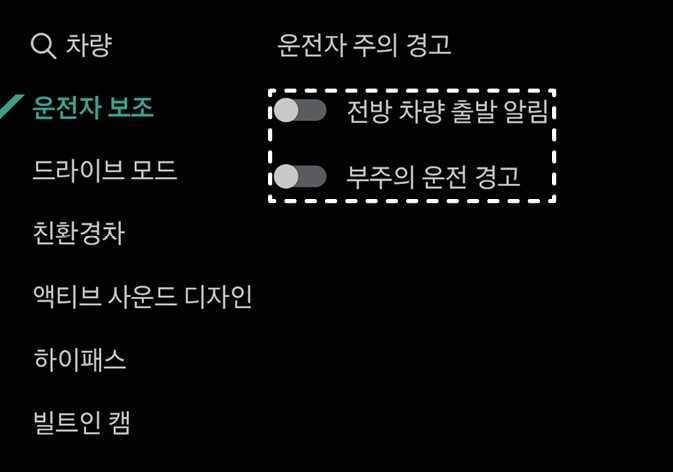
운전자 주의 경고 설정

This is an image of the 2026 Kia Tasman Driver Attention Warning settings screen. On the left side of the infotainment system screen, 'Driver Assistance' is highlighted in turquoise. On the right, 'Forward Vehicle Departure Alert' and 'Driver Attention Warning' are highlighted in dotted boxes. To the right of each item are toggle switches to enable or disable the features. This explains the screen layout for activating or deactivating the detailed features of the Driver Attention Warning system.
N_TK25Z208

시동 ON 상태에서 인포테인먼트 시스템의 설정 > 차량 > 운전자 보조 > 운전자 주의 경고를 차례로 선택하십시오. 각 기능의 사용 여부를 설정할 수 있습니다.

  • 전방 차량 출발 알림: 정차 중에 전방 차량이 출발했을 때 알려 줍니다.

  • 부주의 운전 경고: 부주의 운전 경고를 켜고 끌 수 있습니다.