
Android (Galaxy etc.)
-
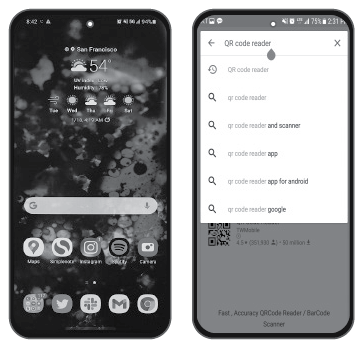
Open the Play Store: After searching QR code reader, install it. Open the QR code reader on your android and point it at the code.
-
You can access directly following URL address.
http://webmanual.kia.com/STD_GEN5_WIDE/AVNT2/EU/English/index.html
-
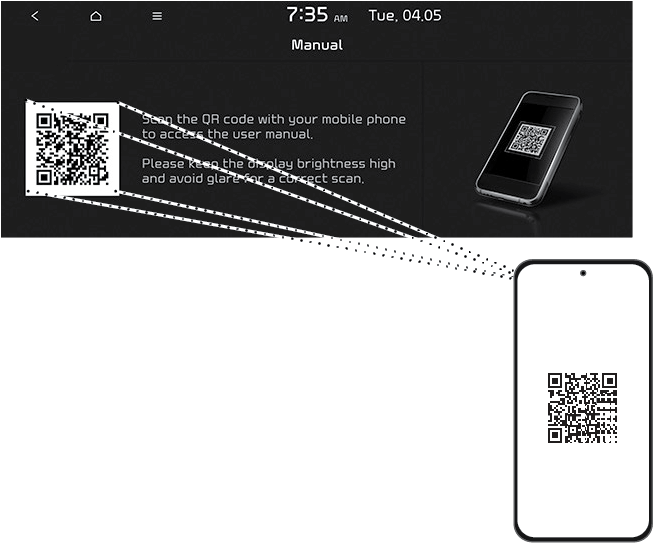
Scanning QR code: Press [SETUP] > [General] > [System info] > [Manual]. Scan the QR code, then tap URL in the code to go to the web page.
-
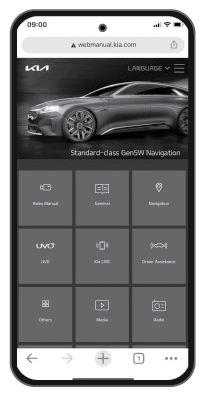
Access the content.