
Warning messages
Parking brake automatically engaged
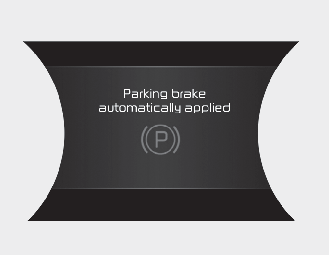
When the EPB is applied from Auto Hold, a warning will sound and a message will appear.
AUTO HOLD turning off! Press brake pedal
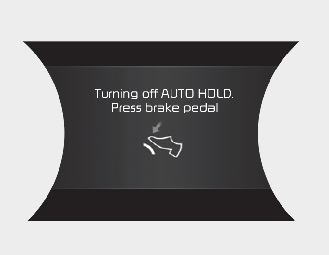
When the conversion from Auto Hold to EPB is not working properly a warning will sound and a message will appear.

When this message is displayed, the Auto Hold and EPB may not operate. For your safety, depress the brake pedal.
Press brake pedal to deactivate AUTO HOLD
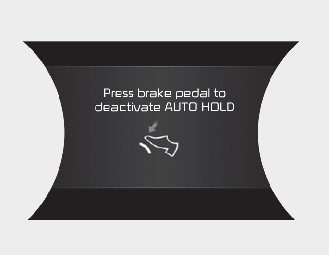
If you did not apply the brake pedal when you release the Auto Hold by pressing the [AUTO HOLD] switch, a warning will sound and a message will appear.
AUTO HOLD conditions not met. Close door, bonnet, and tailgate.
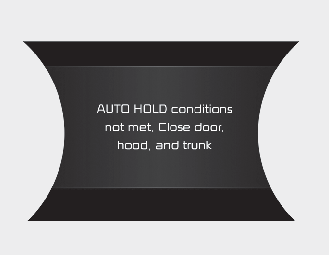
When you press the [AUTO HOLD] switch, if the driver’s door, bonnet, tailgate are not closed, a warning will sound and a message will appear on the LCD display. At this moment, press the [AUTO HOLD] button after closing the driver’s door, bonnet, tailgate.
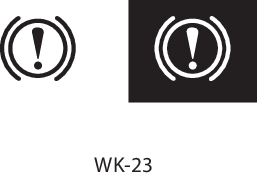
Check the brake warning light by pressing vehicle START/STOP button switch ON (do not start the vehicle). This light will be illuminated when the parking brake is applied with the vehicle START/STOP button switch in the START or ON position.
Before driving, be sure the parking brake is fully released and the brake warning light is off.
If the brake warning light remains on after the parking brake is released whilst the vehicle is running, there may be a malfunction in the brake system. Immediate attention is necessary.
If at all possible, cease driving the vehicle immediately. If that is not possible, use extreme caution whilst operating the vehicle and only continue to drive the vehicle until you can reach a safe location or repair shop.