

With the smart key
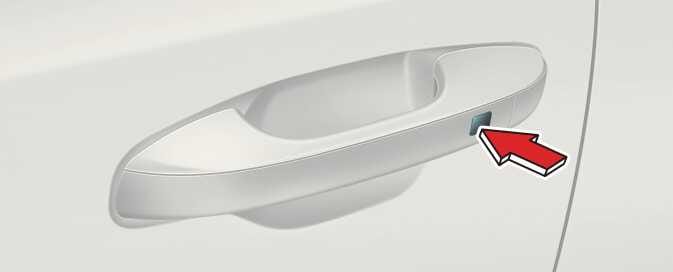 OON042002 |
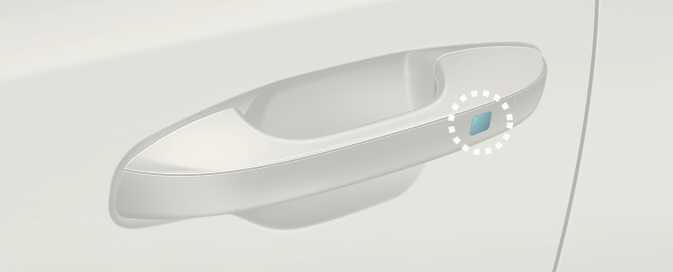 OON043002 |
-
Button type
-
Press or touch the front door handle button
Touch sensor type (if equipped)
-
Touch the touch sensor on the door handle (the engraved part).
-
-
Hazard warning lights will blink and the chime will sound.
-
Locking: Once
-
Unlocking: Twice
-
-
The button will only operate when the smart key is within 0.7–1 m (28–40 inches) from the front driver side door handle.
-
Even though you press the driver side door handle buttons, the doors will not lock and the chime will sound for 3 seconds if any of following occur:
-
The smart key is inside the vehicle.
-
The ENGINE START/STOP button is in the ACC or ON position.
-
Any door except the tailgate is open.
-
-
If you locked the door with the touch sensor on the door handle, the doors cannot be unlocked with the sensor within 3 seconds.
When you leave your vehicle with the smart key, make sure to press the button on the front door handle or touch the touch sensor on the front door handle to lock the doors after closing all of the doors, the hood and the tailgate. If you do not press the button or touch the touch sensor firmly, the doors might not be locked so please use caution.