

Setting memory position
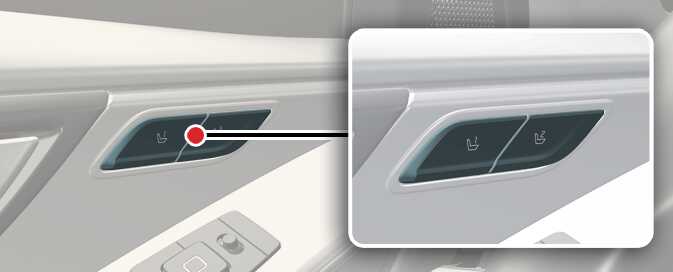
OSG2H041060
Operation
-
Adjust the following position:
-
Driver's seat position
-
Outside mirror position: (if equipped)
-
Head-up display (HUD): (if equipped)
-
-
After then, press '1' or '2' button.
-
Press and hold for about 1 second.
-
The system will beep twice and notify you.
-
'Driver 1 (or 2) settings saved' will appear on the infotainment screen.
-
-
TIP
The vehicle should be in the ON position to use this function.