

Decreasing set speed
OSG2H0510550
-
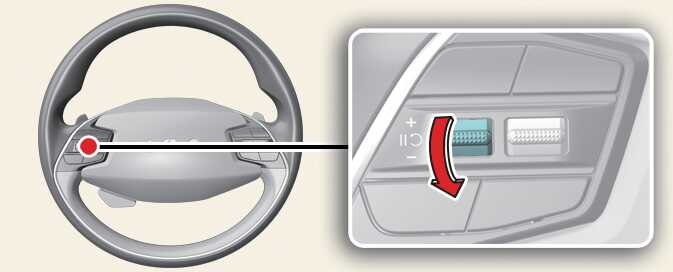
Push the (-) switch down and release it immediately. The set speed will decrease by 1 km/h (1 mph) each time the switch is operated in this manner.
-
Push the (-) switch down and hold it whilst monitoring the set speed on the cluster. The set speed will decrease to the nearest multiple of 10 (multiple of 5 in mph) at first, and then decrease by 10 km/h (5 mph) each time the switch is operated in this manner.
Release the switch at the speed you want to maintain.