

Blind-Spot View Monitor (BVM): (if equipped)
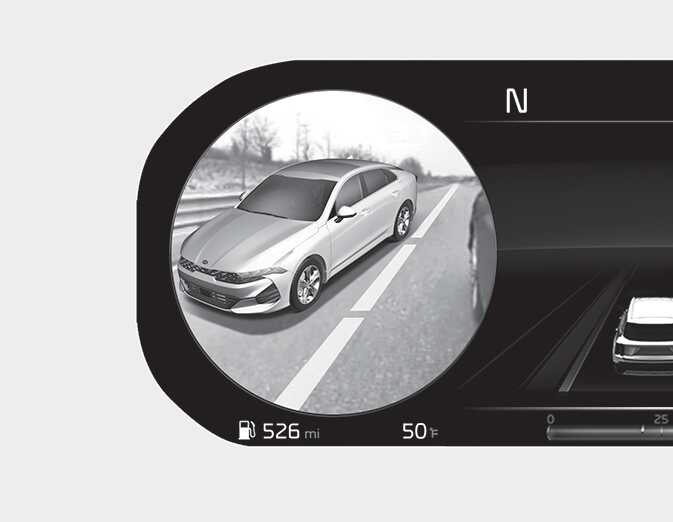
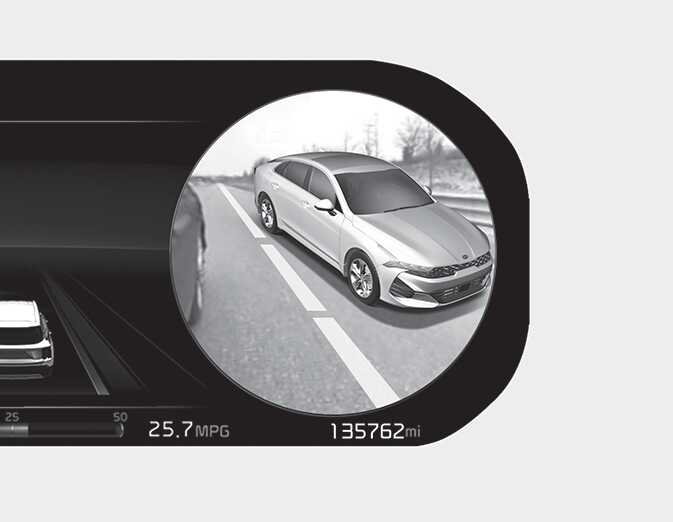
Blind-Spot View Monitor displays the rear blind spot area of the vehicle in the cluster when the turn signal is turned on to help safely change lanes.
Vehicles may look closer than they actually are. Failure to visually confirm that it is safe to change lanes before doing so may result in an accident leading to serious injury.
For detailed information, refer to the infotainment system manual.
Detecting sensor
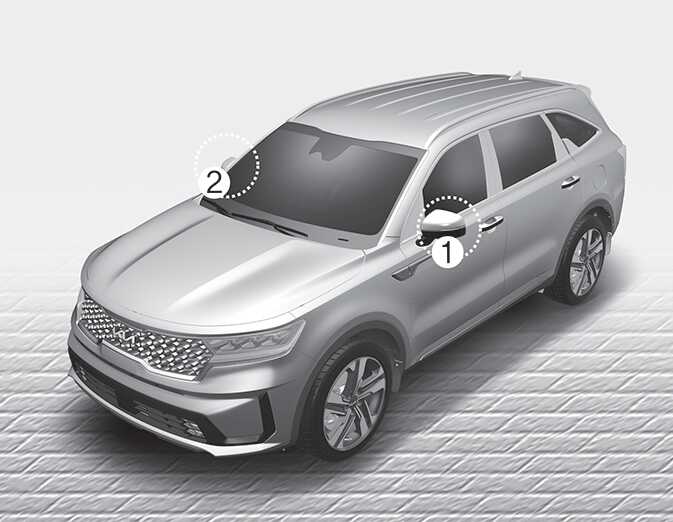
(camera located at bottom of the mirror)
Refer to the picture above for the detailed location of the detecting sensors.
The image shown on the cluster may differ from the actual distance of the object. Make sure to directly check the vehicle's surroundings for safety.
If the camera lens is covered with foreign material, Blind-Spot View Monitor may not operate normally. Always keep the camera lens clean.
However, do not use chemical solvents such as strong detergents containing high alkaline or volatile organic solvents (gasoline, acetone etc.). This may damage the camera lens.