
LCD display messages
Shifting conditions not met
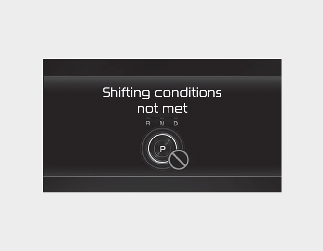
The message appears on the LCD display in the following conditions:
-
When driving speed is too fast to shift the gear. Decrease the vehicle speed or slow down before shifting the gear.
Press brake pedal to change gear
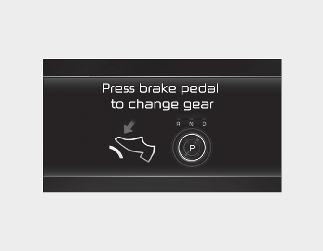
The message appears on the LCD display, when the brake pedal is not depressed whilst shifting the gear.
Depress the brake pedal and then shift the gear.
Shift to P after stopping
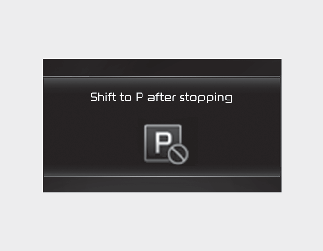
The message appears on the LCD display when the gear is shifted to P (Park) whilst the vehicle is moving.
Stop the vehicle before shifting to P (Park).
Shifting not possible due to overheating
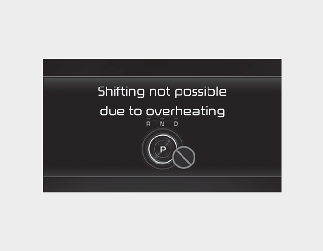
The message appears on the LCD display when the P gear is selected again or the gear is overheated.
PARK button error! Engage parking brake when parking vehicle
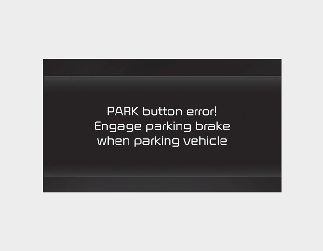
The message is displayed when there is a problem with function engaging P (Park) position.
Immediately have the vehicle inspected by an authorised Kia dealer/service partner.
Check P button
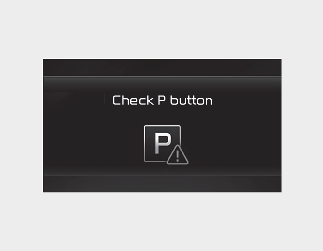
The message appears on the LCD display when there is problem with the P button.
Immediately have the vehicle inspected by an authorised Kia dealer/service partner.
Check rotary gear shift dial
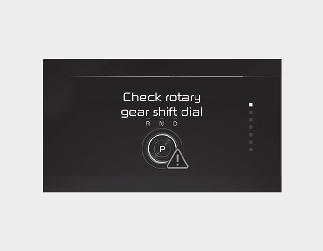
The message appears on the LCD display when there is problem with the dial SBW.
Immediately have the vehicle inspected by an authorised Kia dealer/service partner.
Rotary gear shift dial stuck
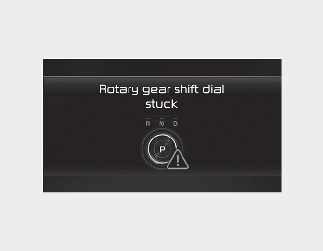
The message appears on the LCD display when the dial SBW is continuously stuck or there is problem with the dial SBW.
Make sure that there is no object around the dial SBW. If the problem persists, immediately have the vehicle inspected by an authorised Kia dealer/service partner.