
Using the favourites list
-
From the Phone screen, turn the [TUNE] knob on the control panel to select Favourites, and then press the knob.
-
Turn the [TUNE] knob to select the desired contact, and then press the knob to make a phone call.
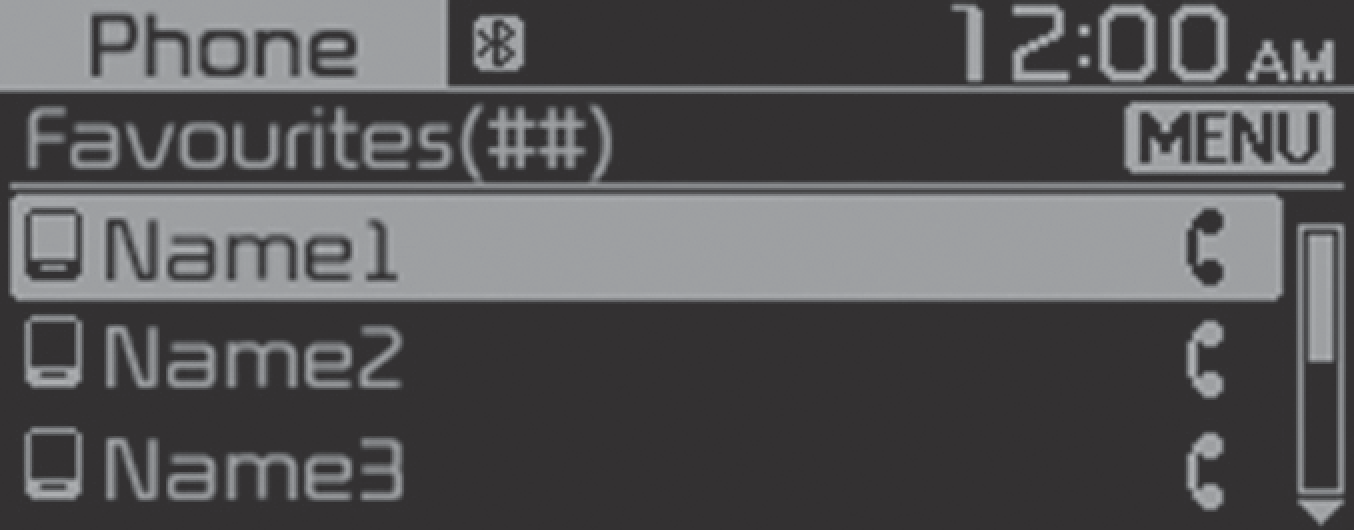
Press the [MENU/CLOCK] button on the control panel to access the following a menu option:
-
Add new favourites: Add a frequently used phone number to favourites.
-
Delete items: Delete a selected favourites item.
-
Delete all: Delete all favourites items.

-
You can register up to 20 favourites for each device.
-
You must first download the contacts to the system to register favourites.
-
The favourites list saved on the mobile phone is not downloaded to the system.
-
Even if the contact information on the mobile phone is edited, the favourites on the system are not automatically edited. Delete and add the item to favourites again.
-
When you connect a new mobile phone, your favourites set for the previous mobile phone will not be displayed, but they will remain in your system until you delete the previous phone from the device list.