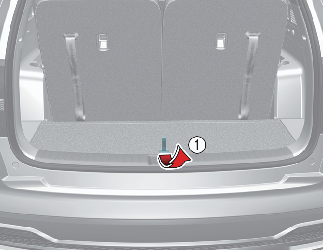
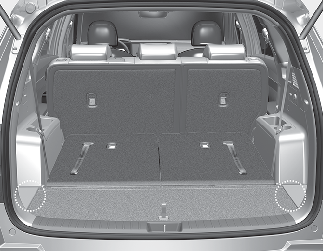
Cargo Security Screen (if equipped)
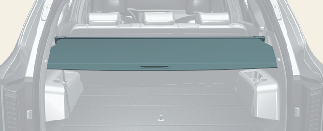
Use the cargo security screen to hide items stored in the cargo area.

Do not put luggage on the cargo security screen as it may damage it or may move around inside the vehicle and injure occupants during an accident or when braking.

-
Never allow anyone to ride in the luggage compartment. It is designed for luggage only.
-
Maintain the vehicle balance and adjust the weight of goods as forward as possible.
To Use the Cargo Security Screen
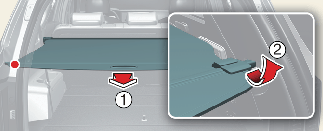
Pull out the cargo security screen using the handle in the center to prevent the guide pin from falling out of the guide.
When the cargo security screen is not in use:
The cargo security screen may not automatically slide back in if the cargo security screen is not fully pulled out. Fully pull it out and then let go.
To Remove the Cargo Security Screen
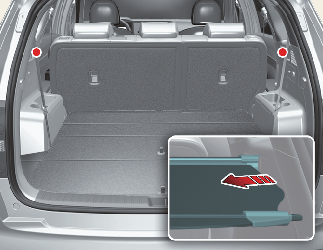
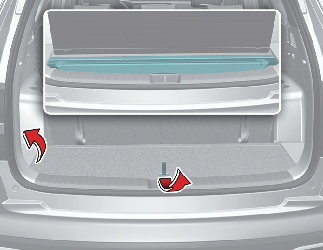
To Remove the Cargo Security Screen from the Luggage Tray