
AWD (AWD/TERRAIN MODE)
Advantages of AWD
-
Enhanced safety when driving straight.
-
Improved performance when cornering.
-
Ensures operability in tough driving conditions such as snow, rain, sand, etc.
Switching from/to TERRAIN MODE
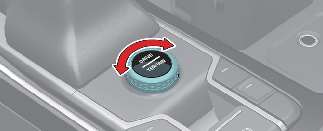
You can switch from DRIVE MODE to TERRAIN mode by pressing DRIVE/TERRAIN mode button and then select SNOW, MUD, or SAND mode by turning TERRAIN MODE knob. If you press the DRIVE/TERRAIN mode button again, your Kia will return to DRIVE MODE.

Even if you turn off your Kia in TERRAIN mode, DRIVE mode will be set when you restart your Kia.
AWD transfer mode selection
|
Transfer mode |
Selection mode |
Description |
|---|---|---|
|
DRIVE MODE |
- |
|
|
SNOW |
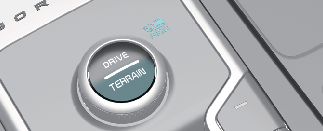 |
SNOW mode is used to appropriately distribute the vehicle's traction forces and prevent wheel slippage when driving on snowy or slippery road. |
|
MUD |
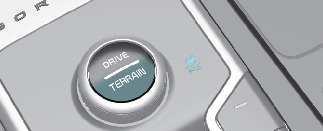 |
MUD mode is used to ensure safe driving by appropriately distributing the vehicle's traction forces when driving on muddy, unpaved or rough roads. |
|
SAND |
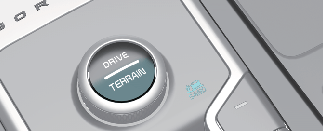 |
SAND mode is used to ensure safe driving by appropriately distributing the vehicle's traction forces when driving on sandy, graveled or unpaved off-roads. |
* SNOW ↔ MUD ↔ SAND

Normal Road Conditions
-
Maintain DRIVE mode when driving on roads in normal conditions.
-
Driving in TERRAIN mode on normal roads may damage the AWD system and cause mechanical vibration or noise.
-
When driving in normal road conditions (especially when cornering) in AWD Lock mode, you may sense mechanical vibration or noise. This is normal phenomenon and, not a malfunction. When AWD Lock mode is released, the noise or vibration will stop.
-
When you turn off AWD Lock mode, you may sense little shocks, but this is a normal phenomenon that lasts until the traction forces on the front and rear wheels of your Kia are released.