

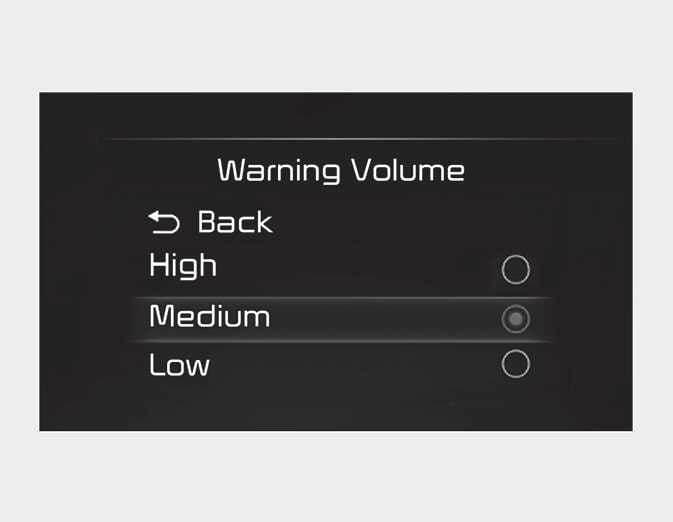
Warning Volume
OBD041619L2
With the engine on, select 'User Settings (LCD display) → Driver Assistance → Warning Volume' to change the Warning Volume to 'High', 'Medium' or 'Low' for Safe Exit Warning.
If you change the Warning Volume, the Warning Volume of other Driver Assistance functions may change.
CAUTION
The setting of the Warning Volume applies to all functions of the Safe Exit Warning.