

Warning Timing
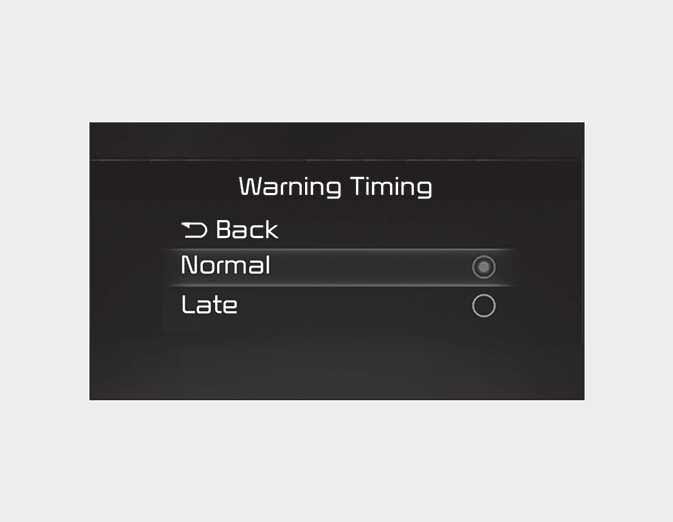
OMQ4AH0503341
With the ignition switch or ENGINE START/STOP button in the ON position, select 'Driver Assistance → Warning Timing' from the 'User Settings (LCD display)' menu to change the initial warning activation time for Driver Attention Warning. When the vehicle is first delivered, Warning Timing is set to ‘Normal’. If you change the Warning Timing, the warning time of other Driver Assistance system may change. Make sure to check the Warning Timing before changing it.
NOTE
If the engine is restarted, Warning Timing will maintain the last setting.