

Warning Volume
OBD041619L4
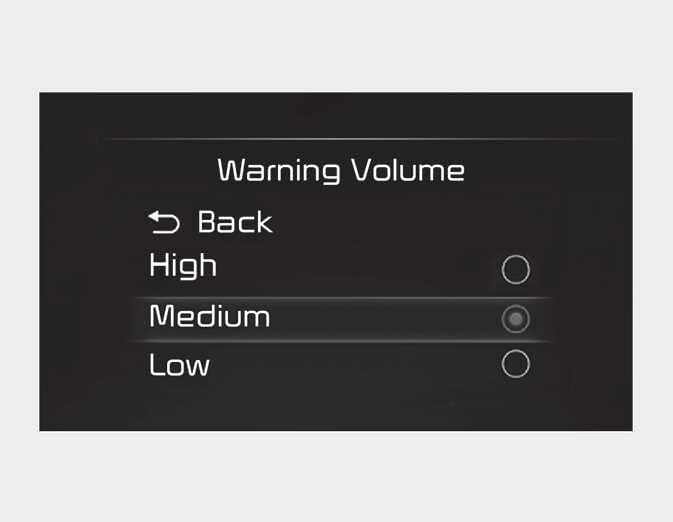
With the ignition switch or the ENGINE START/STOP button in the ON position, select 'Driver Assistance → Warning Volume' from the Settings menu to change the Warning Volume to 'High', ‘Medium’ or ‘Low’ for Rear View Monitor.
If you change the Warning Volume, the Warning Volume of other Driver Assistance functions may change.