

Lane Following Assist settings
Turning On/Off
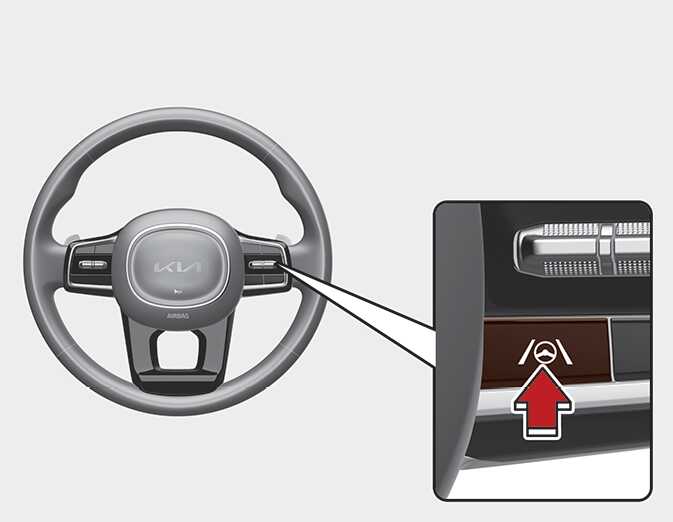
OMQ40511350
With the ENGINE START/STOP button in the ON position, shortly press the Lane Driving Assist button located on the steering wheel to turn on Lane Following Assist. The white or green (
 ) indicator light will appear on the cluster.
Press the button again to turn off the function.
Warning volume
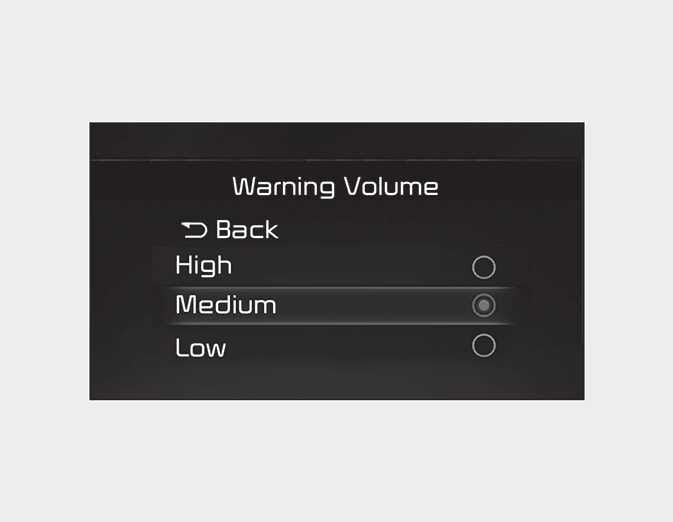
OMQ40416068
With the ENGINE START/STOP button in the ON position, select 'Driver Assistance → Warning Volume' from the Settings menu to change the Warning Volume to 'High', 'Medium', 'Low' or 'Off' for Lane Following Assist.
However, even if 'Off' is selected, the function’s Warning Volume will not turn off but the volume will sound as 'Low'.
If you change the Warning Volume, the Warning Volume of other Driver Assistance functions may change.