

Highway Driving Assist settings
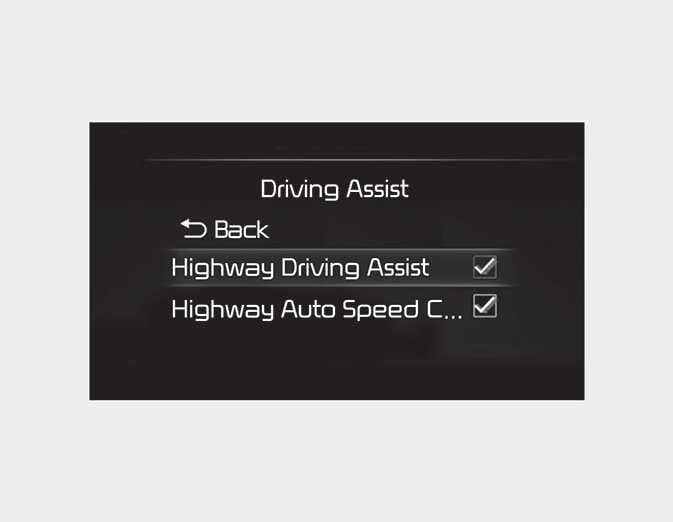
With the ENGINE START/STOP button in the ON position, select or deselect 'Driver Assistance → Driving Assist' from the Settings menu to set whether or not to use each function.
-
If 'Highway Driving Assist' is selected, it helps maintain distance from the vehicle ahead, maintain the set speed, and keep the vehicle between lanes.
-
If there is a problem with the functions, the settings cannot be changed. We recommend that you have the vehicle inspected by an authorized Kia dealer/service partner.
-
If the engine is restarted, the functions will maintain the last setting.
For your safety, change the Settings after parking the vehicle at a safe location.
Warning volume
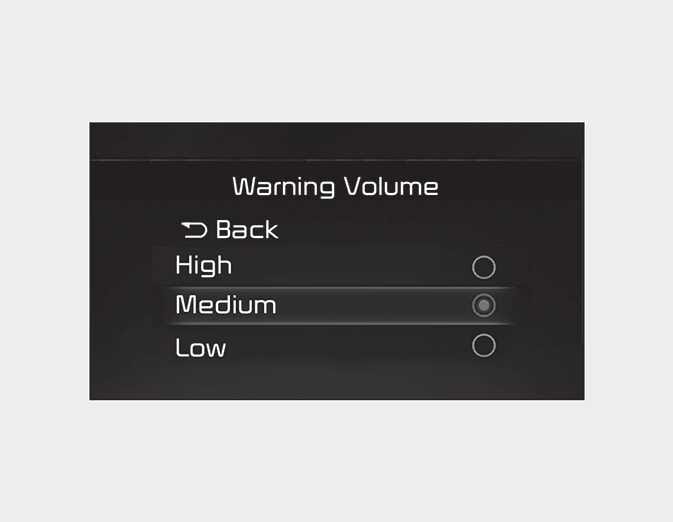
With the ENGINE START/STOP button in the ON position, select 'Driver Assistance → Warning Volume' from the Settings menu to change the Warning Volume to 'High', 'Medium', 'Low' or 'Off' (if steering wheel vibration equipped) for Highway Driving Assist.
However, even if 'Off' is selected, the function's Warning Volume will not turn off but the volume will sound as 'Low'.
If you change the Warning Volume, the Warning Volume of other Driver Assistance functions may change.