

Remote Smart Parking Assist malfunction
Remote Smart Parking Assist check
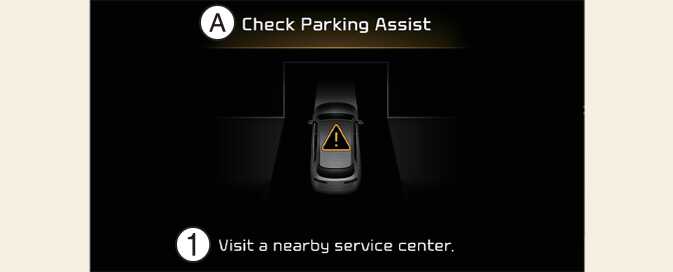
A: Check Parking Assist
-
Visit a nearby service centre.
When Remote Smart Parking Assist is not working properly, the warning message will appear on the infotainment system screen. If the message appears, stop using Remote Smart Parking Assist, and we recommend that you have your vehicle inspected by an authorised Kia dealer/service partner.
Remote Smart Parking Assist cancelled
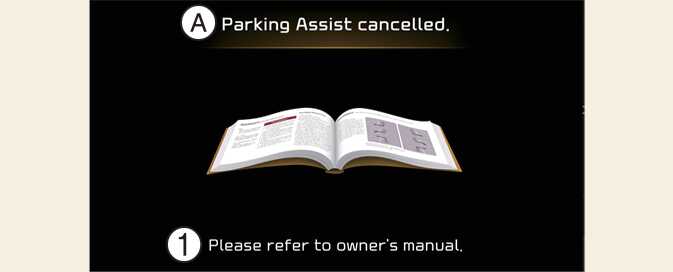
A: Parking Assist cancelled.
-
Please refer to owner's manual.
When Remote Parking Assist is operating, the function can be cancelled, and the warning message may appear regardless of the parking order. Other messages may appear depending on the situations. Follow the instructions provided on the infotainment system screen whilst parking your vehicle with Remote Parking Assist. Always look around and pay attention when using Remote Smart Parking Assist.
Remote Smart Parking Assist standby
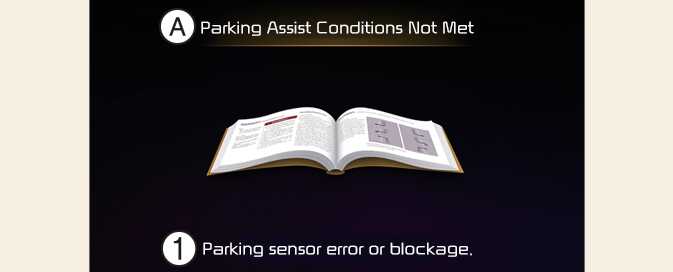
A: Parking Assist conditions not met
-
Please refer to owner's manual.
When the message appears, when Parking/View (
 ) button has been pressed and held, Remote Smart Parking Assist is in standby. After a whilst, press and hold the Parking/View (
 ) button again to see if Remote Smart Parking Assist works.
The message appears even when the smart key's battery is low. Check the smart key battery level.