

Warning Methods
 KIAPB140 |
|
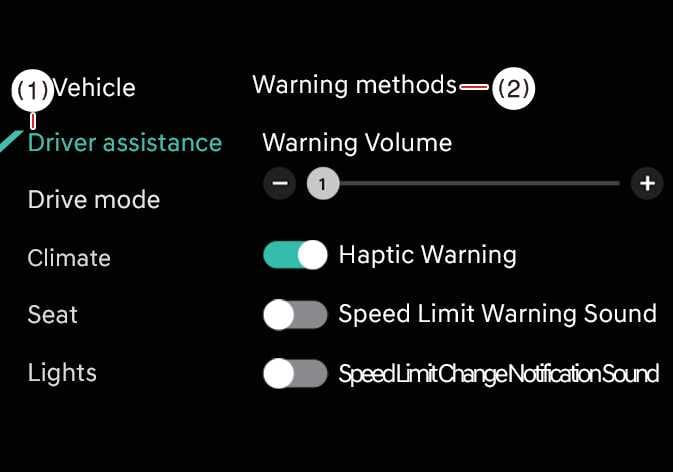
To change the Warning Methods settings while the vehicle is ON, tap on the infotainment system screen. You can change the following settings:
-
Warning Volume: Adjusts the volume of the warning sound.
-
Speed Limit Warning Sound: Turns the overspeed warning sound on or off.
-
Speed Limit Change Notification Sound: Turns the speed limit change alert sound on or off.
-
Press and hold the steering wheel’s mute button to turn the overspeed warning sound on or off.
-
Adjusting the warning volume may change the warning volume for other driver assistance functions as well. Please consider this when making adjustments.
The overspeed warning sound is automatically turned on when the vehicle is off and then on.