

Setting speed limit
-
Press and hold Driving Assist (
 ) button at the desired speed.
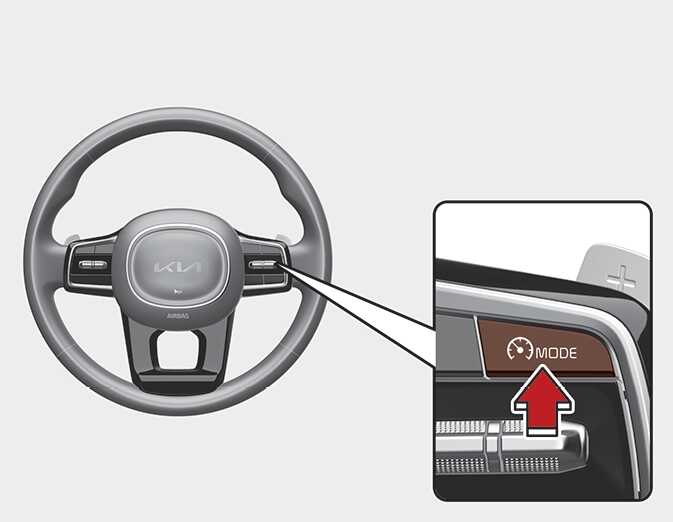 OMQ4051128L
The speed limit indicator light will appear on the cluster.
 ODL3059211L
 -
Push the + switch up or - switch down, and release it at the desired speed.
Push the + switch up or - switch down and hold it. The speed will increase or decrease to the nearest multiple of five (multiple of ten in km/h) at first, and then increase or decrease by 5 mph (10 km/h).
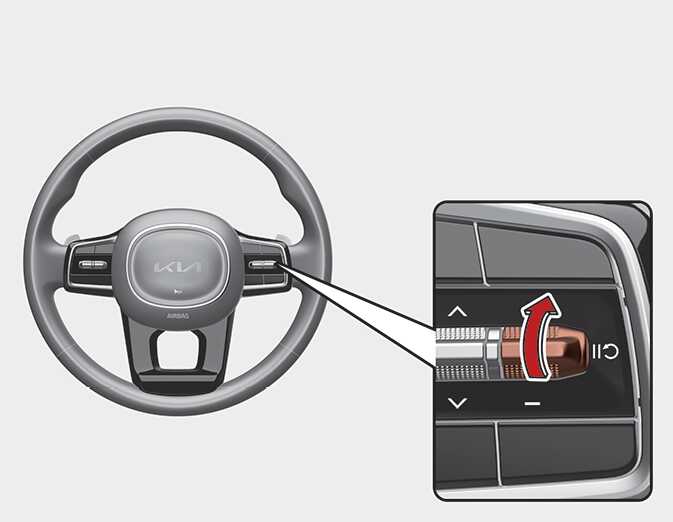 OMQ4051129L
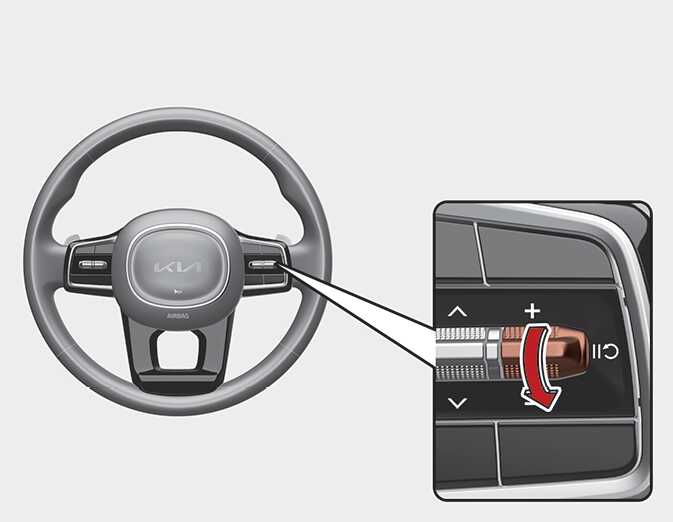 OMQ4051130L
 -
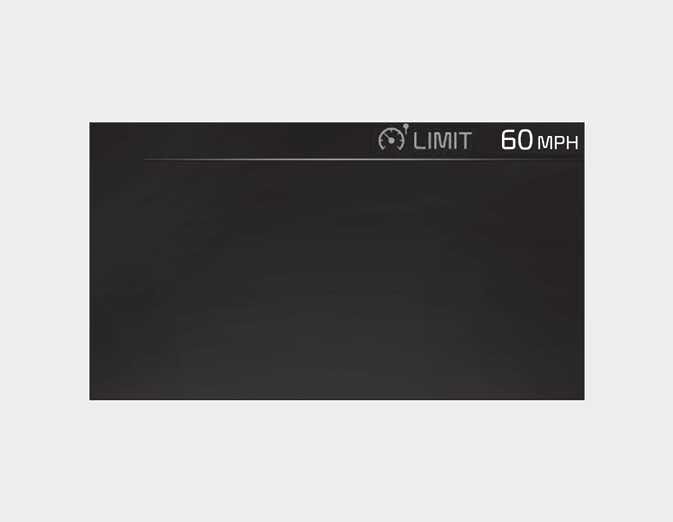
The set speed limit will be displayed on the cluster.
The set speed limit will blink and chime will sound until you return the vehicle speed within the speed limit.
 OMQ4AH050346
NOTE
-
When the accelerator pedal is not depressed beyond the pressure point, vehicle speed will maintain within the speed limit.