

Tire Pressure Monitoring System (TPMS)
The Tire Pressure Monitoring System (TPMS) detects the pressure of vehicle's tires and displays it on the LCD display.
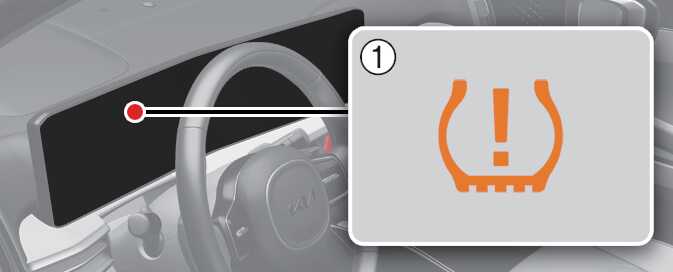

-
Low tire pressure telltale/TPMS malfunction indicator
-
Low tire pressure position telltale (Shown on the LCD display)
Tire Pressure Indicator
-
You can check the tire pressure in the assist mode on the cluster.
-
Refer to .
-
-
Tire pressure is displayed 1 ~ 2 minutes later after driving.
-
If tire pressure is not displayed when the vehicle is stopped, "Drive to display" message displays. After driving, check the tire pressure.
-
You can change the tire pressure unit in the user settings mode on the cluster.
-
psi, kPa, bar (Refer to ).
-
-
The tire pressure may change due to factors such as parking condition, driving style, and altitude above sea level.
-
The tire pressure shown on the dashboard may differ from the tire pressure measured by tire pressure gauge.
-
Low tire pressure warning may sound when a tire's pressure unit is equal or lower than nearby tires. This is a normal occurrence, which is due to the change in tire pressure along with tire temperature.