Heating and air conditioning automatically
The modes, fan speeds, air intake and air-conditioning will be controlled automatically by setting the temperature.
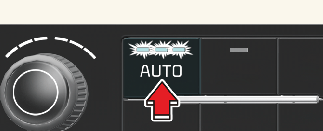
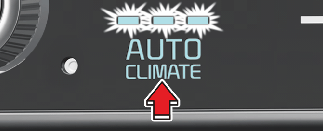
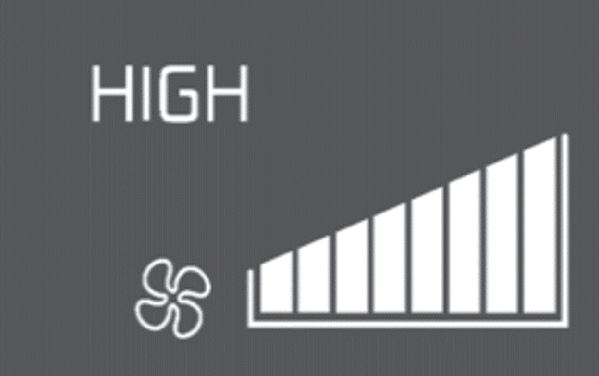
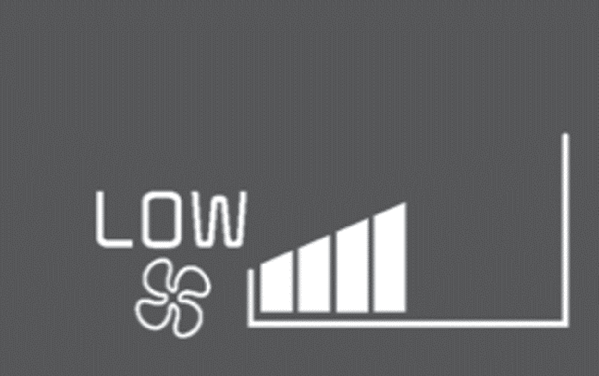
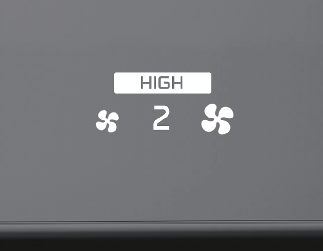
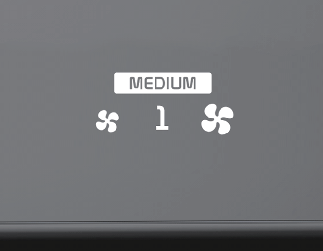
You can control the air flow in three stages by pushing the AUTO button during automatic operation.
|
Level |
Indicator |
LCD Display |
Air flow |
|---|---|---|---|
|
High |
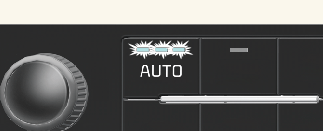 |
 |
2~8 |
|
Medium |
 |
 |
1~6 |
|
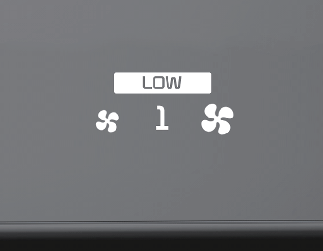
Low |
 |
 |
1~4 |
|
Level |
Indicator |
LCD Display |
Air flow |
|---|---|---|---|
|
High |
 |
 |
2~8 |
|
Medium |
 |
 |
1~6 |
|
Low |
 |
 |
1~4 |
-
HIGH: Provide rapid air conditioning and heating with strong wind
-
MEDIUM: Provide air conditioning and heating with medium strength wind
-
LOW: It is suitable for drivers who prefer to soft wind.When you select the temperature to HI or LO in AUTO mode, the wind strength is automatically set to 'HIGH'.
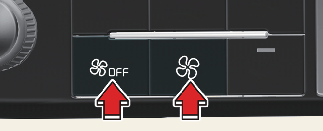

The climate control system is automatically controlled according to the desired temperature.
-
To turn the automatic operation off, select any of the following buttons or switches:
-
Mode selection button
-
Air conditioning (A/C) button
-
Front windshield defroster button (Press the button one more time to deselect the front windshield defroster function. The 'AUTO' sign will appear on the information display once again.)
-
Fan speed control switch
The selected function will be controlled manually while other functions operate automatically.
-
-
For your convenience and to improve the effectiveness of the climate control, use the AUTO button and set the temperature to 22 °C (72 °F).

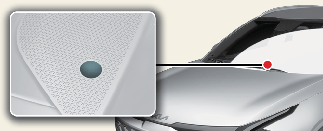
Do not place anything over the sensor located on the instrument panel to ensure better control of the heating and cooling system.