
Reverse Parking Distance Warning Settings
Turning On/Off
-
Press the Parking Distance Warning Off (
 ) button to turn on Reverse Parking Distance Warning.
-
With the ENGINE START/STOP button in the ON position, the Parking Distance Warning Off (
) button indicator light will illuminate. The function will operate when vehicle speed is below 10 km/h (6 mph).
If vehicle speed is above 10 km/h (6 mph), the function will not warn the driver even though objects are detected.
Warning Volume
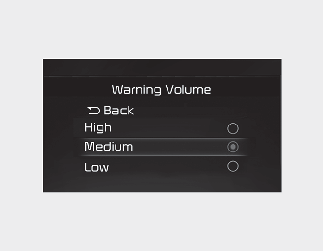
With the ENGINE START/STOP button in the ON position, select 'Driver Assistance → Warning Volume' from the Settings menu to change the warning volume to 'High', 'Medium', 'Low' or 'Off' for Reverse Parking Distance Warning.
However, even if 'Off' is selected, the function's Warning Volume will not turn off but the volume will sound as 'Low'.
If you change the warning volume, the warning volume of other Driver Assistance systems may change.