

Connecting V2L
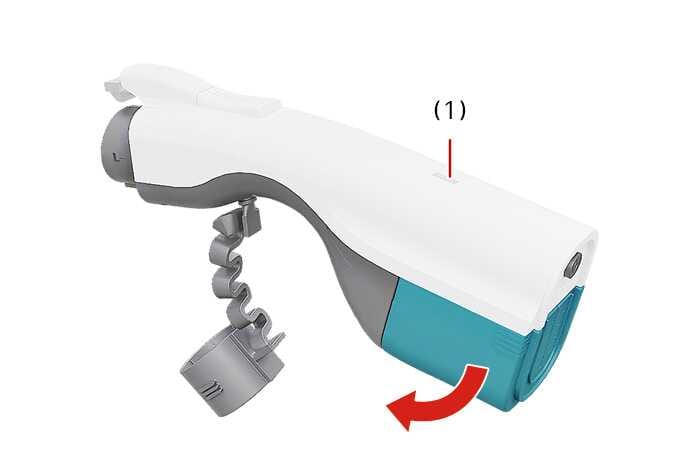 N_CT25Q012 |
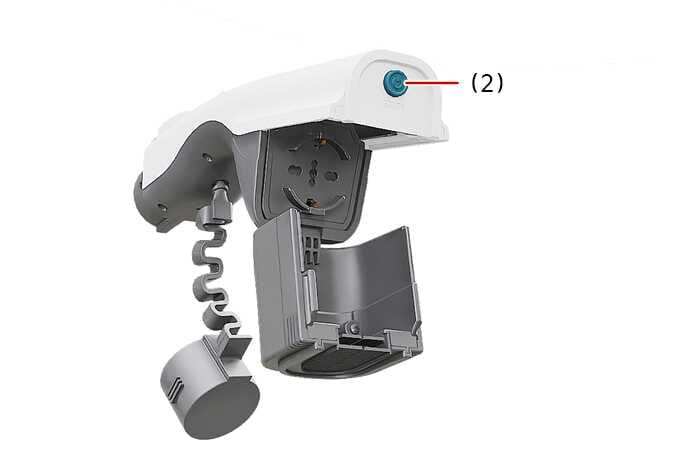 N_CT25Q013 |
To connect V2L, follow these steps:
- Open the cover of the V2L connector.
- Plug electronic devices into the power outlet and close the cover.
- Connect the V2L connector to the charging outlet on the vehicle.
-
Press the switch (1) on the V2L connector and check if the light (2) is on or off.
The light (2) might not illuminate normally in the following situations:
-
Tap the Energy consumption menu on the infotainment system screen to check the battery discharging limit for the high voltage battery for driving. If the limit is above the battery’s current charge level, the light (2) does not illuminate.
-
Check to see whether or not the V2L connector light or the light on the inside power outlet illuminates.
-
The V2L warning message displays on the instrument cluster. In this case, refer to Instrument cluster messages.
If V2L does not operate properly when you connect electronic devices, have your vehicle inspected by a professional workshop. Kia recommends visiting an authorised Kia dealer or service partner.
-
-
To turn off the light (2), press the switch (1). Once the light (2) turns off, press the unlock button on the smart key to unlock the charging door.
You can now disconnect the V2L connector.
To use the V2L power outlet, follow these steps:
-
With the EV button in the POWER ON position, connect to the power outlet located at bottom of the rear seat.
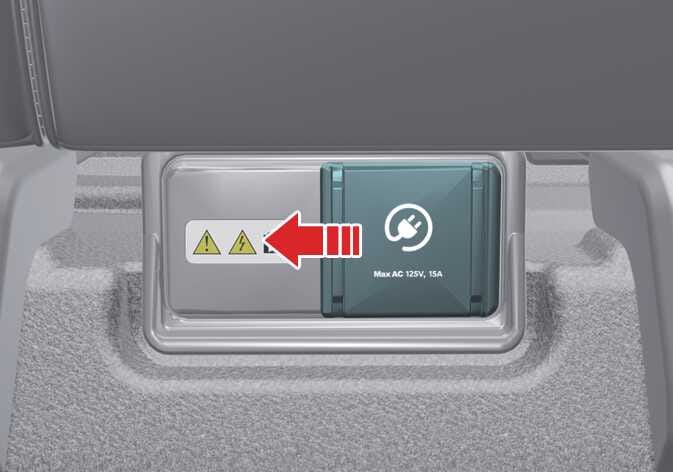 OAYIEV076002L
 -
Slide the V2L power outlet cover to the left.
-
Check the operation status on the front indicator of the power outlet:
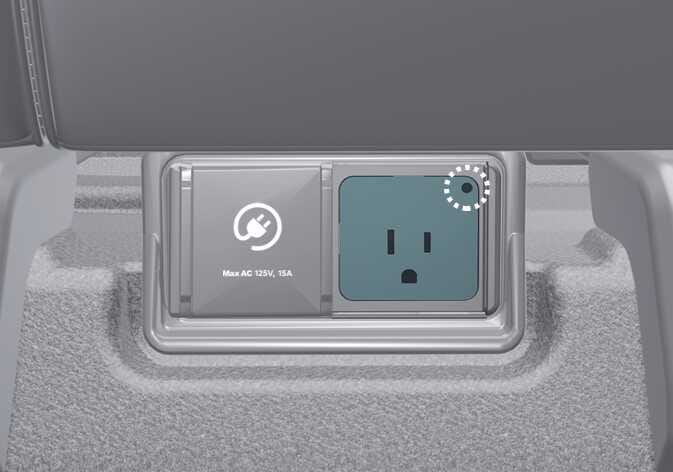 OAYIEV076001L
-
Blue: Standby.
-
Red: The power outlet is connected, but there is no power supply.
-
Green: The power outlet is connected correctly and ready to provide power.
-